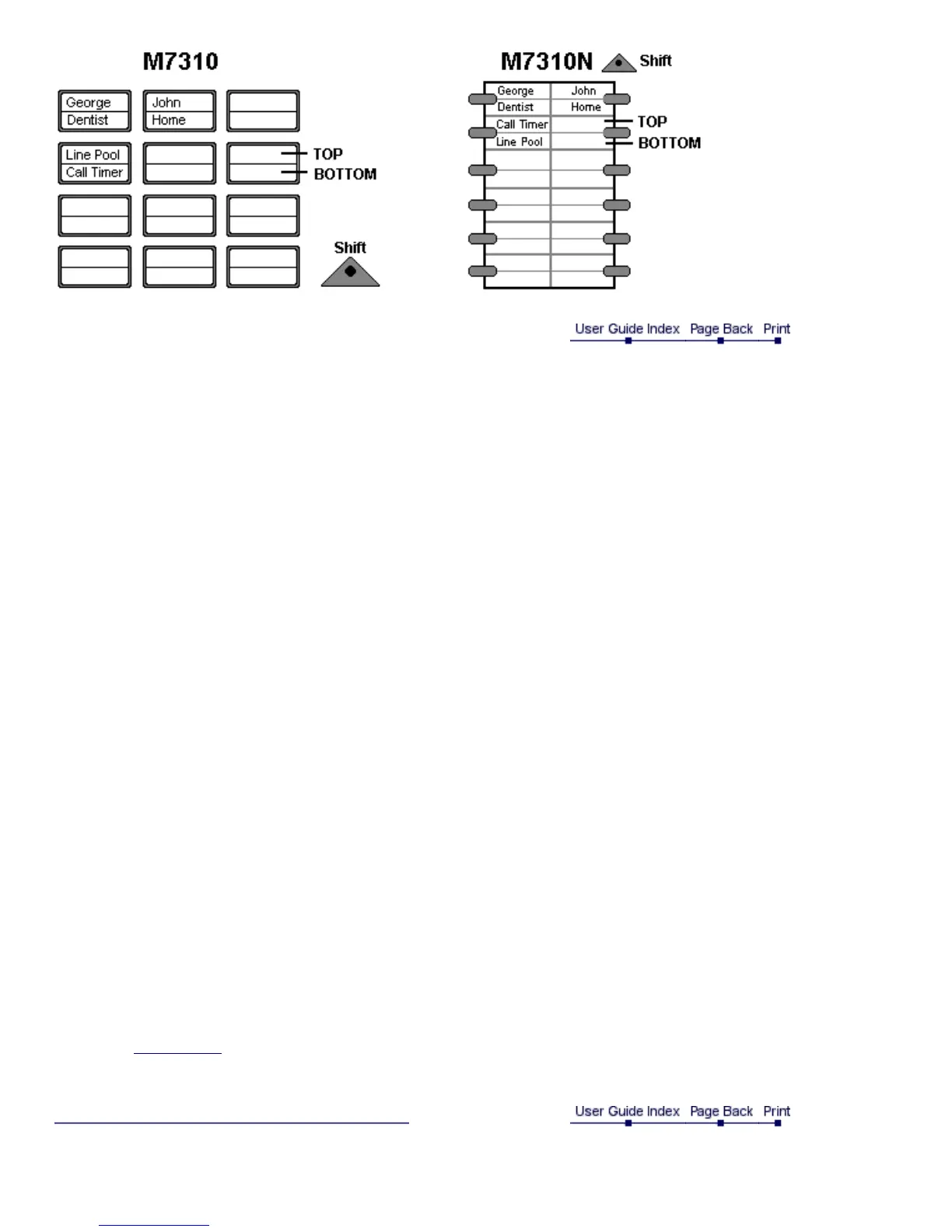
Programming memory keys
External autodial
1. If you are on a call or on an open line with dial tone press hold or press Rls.
2. Press Feature *1.
3. Press a memory key.
4. Dial the external number.
5. Press OK to store the number.
6. Label the new key.
Internal autodial
1. If you are on a call or on an open line with dial tone press hold or press Rls.
2. Press Feature *2.
3. Press a memory key.
4. Dial the extension number.
5. Label the new key.
Features
1. If you are on a call or on an open line with dial tone press hold or press Rls.
2. Press Feature *3.
3. Press a memory key.
4. Press Feature and then dial the feature code.
5. Label the new key.
Erasing memory keys
1. If you are on a call or on an open line with dial tone press hold or press Rls.
2. Press Feature *1.
3. Press the memory key you want to erase.
4. If M7310, M7310N, M7324 or M7324N press OK to erase the key.
If M7208 or M7208N press Hold to erase the key.
Note: Use Key Enquiry to check the programming of a key.



 To Next Page