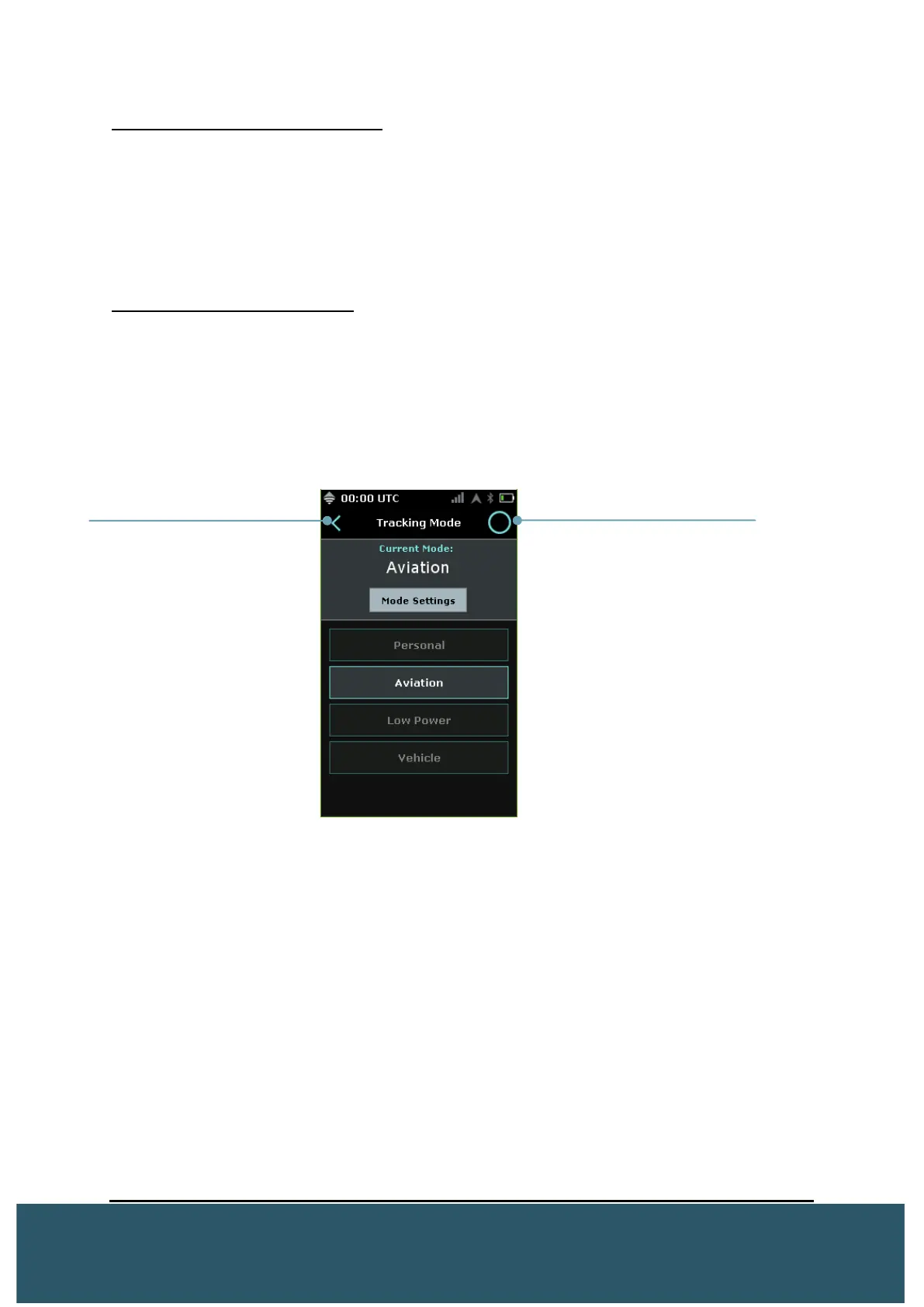
Wave Navigation Touch Screen
Users can navigate through the Wave screens and menus by pressing
on the resistive touch screen (also with gloves).
Please note that the resistive touch screen is not designed to work with
the included screen protector. Hard keys can be used as described
below.
Wave Navigation Hard Keys
Every screen and menu can be entered using the hard keys. Using the
directional hard keys, users will be able to highlight, in blue, where they
are on the Wave and interact by pressing the middle “enter” key.
Users can return to the previous screen by pressing or highlighting the
“<”
Users can return to the home screen by pressing or highlighting the “O”


 To Next Page