5. Stopwatch memory mode
When stopwatch is running, press B Key to enter other mode and stopwatch will
still run on the background.
In stopwatch back to “0” state, if no any Key operation in 3minutes, it will exit
and return to normal time mode.
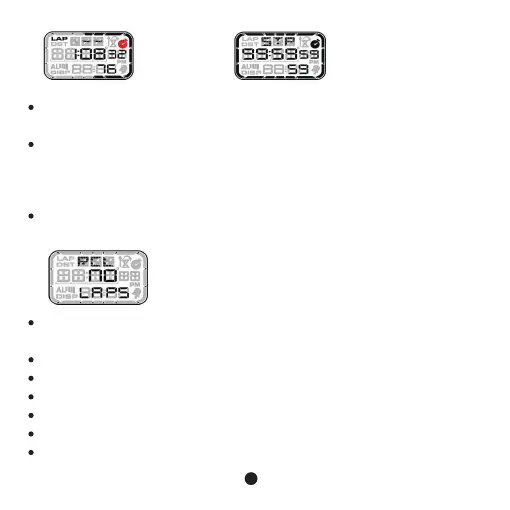
Enter stopwatch memory mode, if no memory LAP data, the screen will display
as below:
In memory mode, if no key operation in 3 minutes, it will exit and return to normal
time automatically.
If there is memory LAP data, pressing D or C Key to view data as below.
FST shown on the screen, means fastest.
SLW shown on the screen, means slowest.
AVG shown on the screen, means average.
LAP shown on the screen, means lap time.
Press and hold C Key for 2s to clear all memory data to “0”.
The stopwatch
stop automatically
when it is full
Record LAP over
50 groups
9



 To Next Page