Press C key for 3s
DKey DKey DKey
Set value Running
Pause Continue
6. Countdown mode
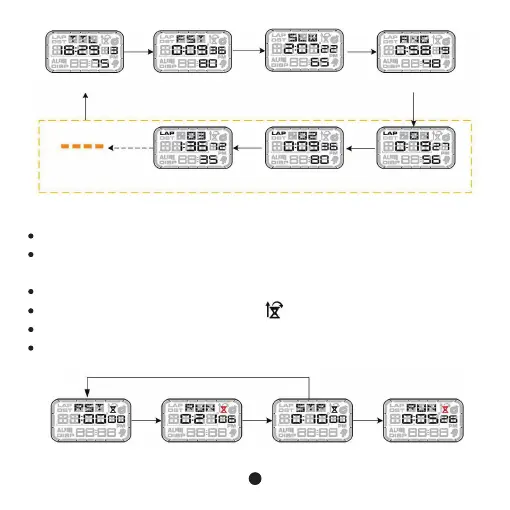
Total time Fastest
LAP-3 LAP-2
Slowest Average
LAP-1
D
key Dkey Dkey
DkeyDkey
C key C key C key
Countdown range 23 hours 59 minutes 59 seconds
In setting mode, can set countdown to “0” and turn to timing, one time countdown
(STP), repeated countdown (RST)。
In countdown mode, press D Key to start countdown, press C key to pause.
When countdown is working, there is icon on the screen.
When countdown reach “0”, it will alarm for 10seconds, press any key to stopwatch.
When countdown stop or stop at “0” , press and hold C Key for 3s to return to preset
value as below.
10



 To Next Page