EasyManua.ls Logo

North Star NST45ED1 - User Manual

Default Icon
23 pages
Print Icon
To Next Page IconTo Next Page
Loading...
7366546 (Rev. B 1/24/18)
Systems tested and certified by the Water Quality
Association against CSA B483.1.
Systems tested and certified by NSF International
against NSF/ANSI Standard 44
for hardness reduction and efficiency,
and certified to NSF/ANSI Standard 372.
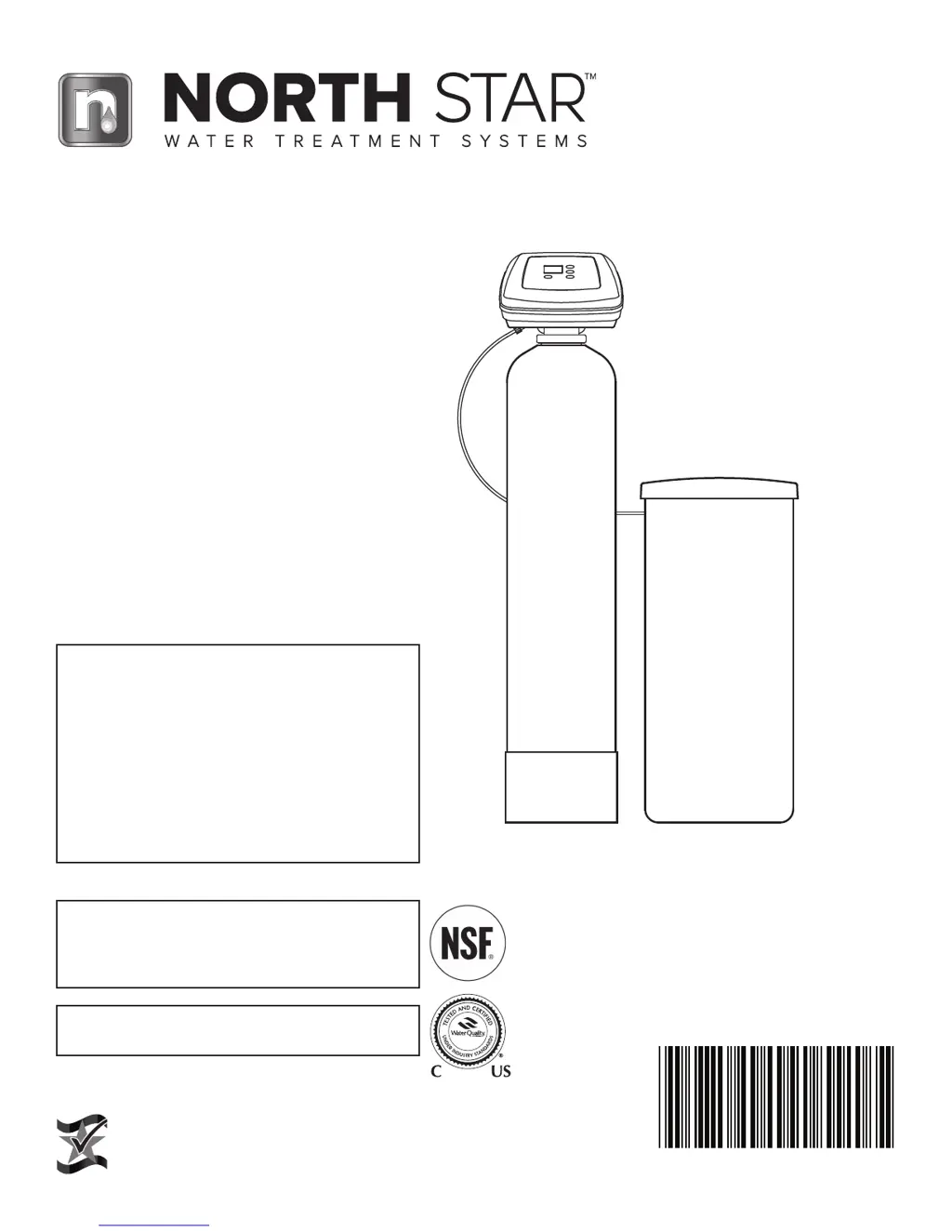
Installation and Operation Manual
If you have any questions or concerns when
installing, operating or maintaining your water
softener, call our toll free number:
1-800-972-0135
or visit www.northstarwater.com
When you call, please be prepared to provide
the model and serial number of your product,
found on the rating decal, located on the back
of the controller top cover.
Manufactured and warranted by
North Star Water Treatment Systems
1890 Woodlane Drive
Woodbury, MN 55125
Designed, Engineered &
Assembled in the U.S.A.
How to install, operate
and maintain your Demand
Controlled Water Softener
Models NST30ED
NST45ED1
NST70ED1

Questions and Answers

Summary

Water Softener Warranty

Specifications & Performance Claims

Before You Start

Installation Requirements

Location Requirements

Guidelines for selecting a suitable installation location, avoiding hazards and damage.

Plumbing Codes & Air Gaps

Requirements for plumbing connections, adherence to codes, and proper drain air gap installation.

Typical Installation Illustrations

Installation Instructions: Initial Steps

Installation Instructions: Plumbing

Installation Instructions: Tank & Brine

Test For Leaks

Steps to check for water leaks at all connections after installation is complete.

Installation Instructions: Final Setup

Programming the Electronic Controller: Time & Hardness

Set Water Hardness Number

Inputting the water's hardness level (gpg) for optimal regeneration cycles.

Programming the Electronic Controller: Regeneration

Controller Features and Options

Wiring Schematic

Routine Maintenance

Adding Salt

Frequency and guidelines for checking and adding salt to the brine tank.

Breaking a Salt Bridge

How to identify and resolve salt bridges that form in the brine tank.

Cleaning Nozzle & Venturi

Instructions for cleaning the nozzle and venturi assembly for proper brine draw.

Troubleshooting Guide: Initial Checks

Troubleshooting: Diagnostics

Automatic Electronic Diagnostics

Explanation of the controller's self-diagnostic function and error code meanings.

Manually Initiated Diagnostics

Procedures for accessing and using diagnostic modes for detailed system checks.

Troubleshooting: Resets & Checks

Summary

Water Softener Warranty

Specifications & Performance Claims

Before You Start

Installation Requirements

Location Requirements

Guidelines for selecting a suitable installation location, avoiding hazards and damage.

Plumbing Codes & Air Gaps

Requirements for plumbing connections, adherence to codes, and proper drain air gap installation.

Typical Installation Illustrations

Installation Instructions: Initial Steps

Installation Instructions: Plumbing

Installation Instructions: Tank & Brine

Test For Leaks

Steps to check for water leaks at all connections after installation is complete.

Installation Instructions: Final Setup

Programming the Electronic Controller: Time & Hardness

Set Water Hardness Number

Inputting the water's hardness level (gpg) for optimal regeneration cycles.

Programming the Electronic Controller: Regeneration

Controller Features and Options

Wiring Schematic

Routine Maintenance

Adding Salt

Frequency and guidelines for checking and adding salt to the brine tank.

Breaking a Salt Bridge

How to identify and resolve salt bridges that form in the brine tank.

Cleaning Nozzle & Venturi

Instructions for cleaning the nozzle and venturi assembly for proper brine draw.

Troubleshooting Guide: Initial Checks

Troubleshooting: Diagnostics

Automatic Electronic Diagnostics

Explanation of the controller's self-diagnostic function and error code meanings.

Manually Initiated Diagnostics

Procedures for accessing and using diagnostic modes for detailed system checks.

Troubleshooting: Resets & Checks

North Star NST45ED1 Specifications

General IconGeneral
MaterialPlastic
ColorWhite
Dimensions330 x 330 x 980 mm
Power Consumption500W
Safety FeaturesChild lock
Hot Water Temperature90-95°C

Related product manuals