49
Troubleshooting
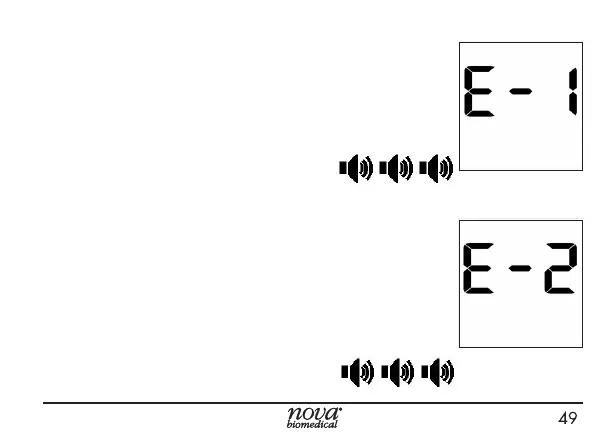
E1 System Hardware Error
A system hardware error has been detected.
Action: Perform the test again. If you
get the same error, call Nova Technical
Support.
E2 Operating Temperature Error
The Meter temperature is outside of the range
for testing.
Action: Move the meter to an area where
the temperature is acceptable (59°-104°F
or 15°-40°C), allow meter to adjust to the
temperature. Repeat the test.



 To Next Page