20
seconds), all setup settings will be saved.
If this is a battery replacement and the battery was
not replaced within the time limit (30 seconds), the
time and date settings may be lost. The software
version and the default date and time will appear for
3 seconds. Go to setup to congure the meter.
Set the Time
1. Press the MODE
button for longer than 3 seconds. The
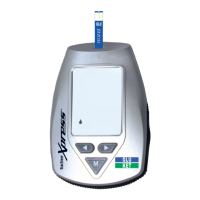
meter if in Sleep Mode wakes up and enters the SETUP
Mode.
2. Select the hour (ashing) format: either 12 Hr or 24 Hr. Press
the Right/Left Arrow buttons to toggle between the
2 time format options.
Setup



 To Next Page