EasyManua.ls Logo

NovaStar NovaPro HD - User Manual

NovaStar NovaPro HD
50 pages
Print Icon
To Next Page IconTo Next Page
Loading...
www.novastar.tech -1-
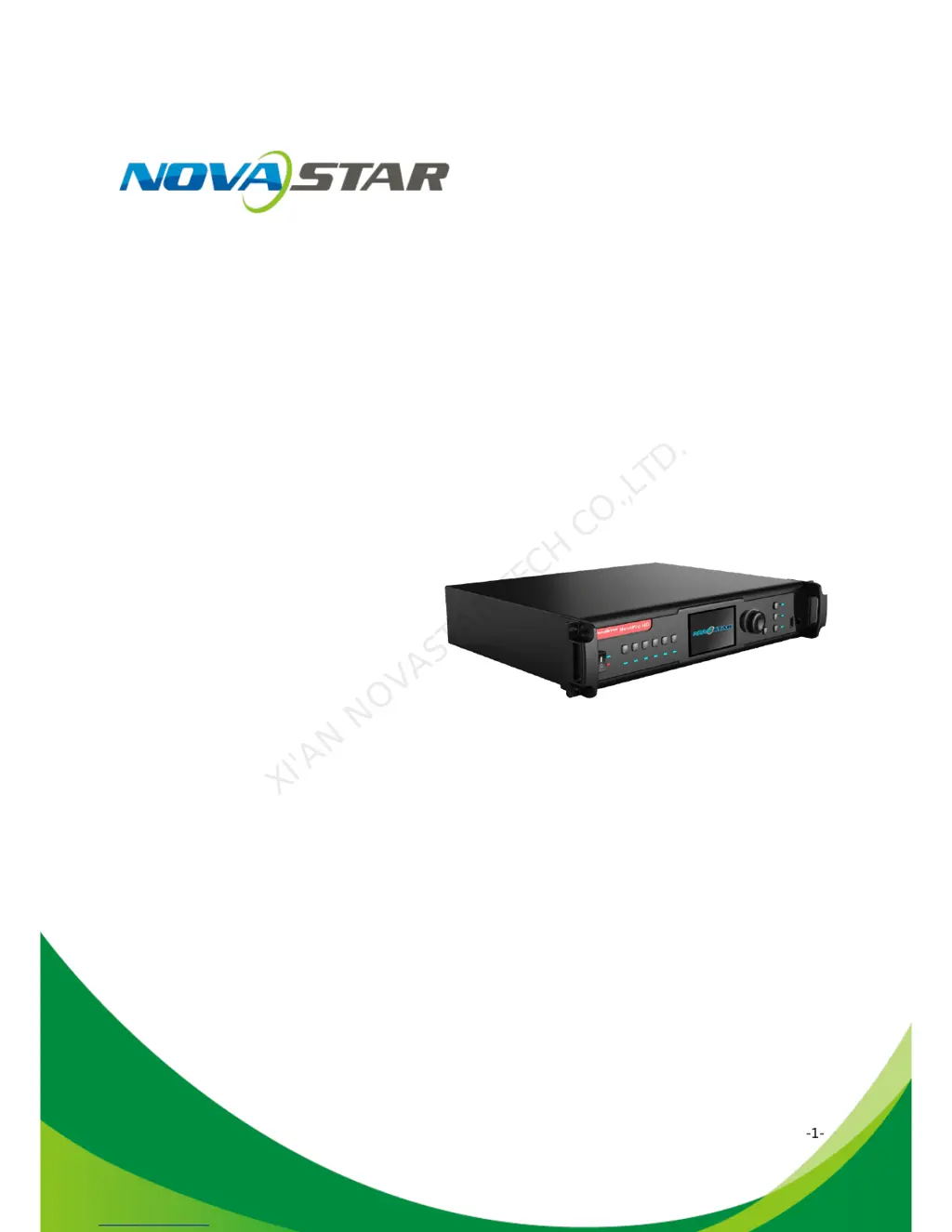
User's Manual
Video Controller NovaPro HD
Rev1.4.1 NS160100032
XI'AN NOVASTAR TECH CO.,LTD.

Other manuals for NovaStar NovaPro HD

Questions and Answers

  • J
    Julie GutierrezAug 3, 2025
    How to fix a blank screen on NovaStar NovaPro HD Controller LED display?
    • O
      ortizloriAug 3, 2025
      If your NovaStar Controller's LED display shows a blank screen, first ensure the power is correctly connected and the switch is turned on. Next, use the test pattern to verify if the LED is properly connected and functioning. Also, confirm that Pro HD has a signal input and the output isn't set to blackout. Finally, check that the display configuration mode and parameters are correct.
  • A
    andrew03Aug 8, 2025
    What to do if PIP displays abnormally on NovaStar Controller?
    • M
      Mrs. Karina SmithAug 8, 2025
      If the PIP (Picture-in-Picture) function on your NovaStar Controller is displaying abnormally, check that channel 2 has a signal input and is displaying correctly. Also, verify that the parameter settings for PIP are correct.
  • M
    Matthew TaylorAug 14, 2025
    What to do if monitoring port output is abnormal on NovaStar NovaPro HD?
    • M
      manningjavierAug 14, 2025
      If the monitoring port output on your NovaStar Controller is abnormal, verify that the input channel has image input and is displaying normally. Also, if PIP is enabled, check if channel 2 has a signal input and the image is displaying correctly.
  • K
    Kristin TaylorAug 21, 2025
    What to do if channel effect is abnormal on NovaStar Controller?
    • R
      Robert FritzAug 21, 2025
      If the channel effect on your NovaStar Controller is abnormal, check whether the channel is switched on.
  • J
    Jennifer HendersonAug 27, 2025
    How to fix VGA input phase offset on NovaStar NovaPro HD Controller?
    • M
      mccanncathyAug 27, 2025
      If you are experiencing a VGA input phase offset with your NovaStar Controller, perform VGA auto fit.

Summary

Statement

Copyright

Trademark

FCC Caution

1 Safety Statement

2 Overview

3 Appearance

3.1 Front Panel

Details the components and indicators on the front of the NovaPro HD unit.

3.2 Rear Panel

4 Signal Connection

5 Description of Operation Modes

6 Machine Operation

6.1 Description of operation action

Explains the function of the knob, ESC button, and input source buttons for device control.

6.2 Main Interface

6.3 Step 1: Input Settings

6.4 Step 2: Screen Settings

6.5 Step 3: Brightness Control

6.6 Step 4: Output Settings

6.7 Display Control

6.8 Advanced Settings

6.8.1 Picture in Picture (PIP)

Details how to enable, configure, and manage Picture-in-Picture (PIP) display settings.

6.8.2 Advanced Configuration

6.8.3 Montage

6.8.4 Load Cabinet File

6.8.5 Alarm Threshold Settings

6.8.6 Advanced Property

6.8.7 Save parameters to hardware

6.8.8 Redundancy

6.8.9 DMX512 Channel Settings

6.8.10 Factory Reset

6.8.11 Hardware version

6.9 Communication Settings

6.10 Language Settings

7 Web Interface Operation

7.1 Network Establishment

Details the steps for connecting the NovaPro HD to a local network for web access.

7.2 Operating Motion Description

7.3 My Device

8 LCT Client Operation

9 Firmware Upgrade

10 Troubleshooting and Precautions

11 Technical Specifications

12 Installation Dimensions

NovaStar NovaPro HD Specifications

General IconGeneral
BrandNovaStar
ModelNovaPro HD
CategoryController
LanguageEnglish

Related product manuals