welcome
Operation
Getting started
Call functions
In-call functions
Music
Settings
Care
Support
Safety & disposal
Certification &
safety approvals
Glossary
back
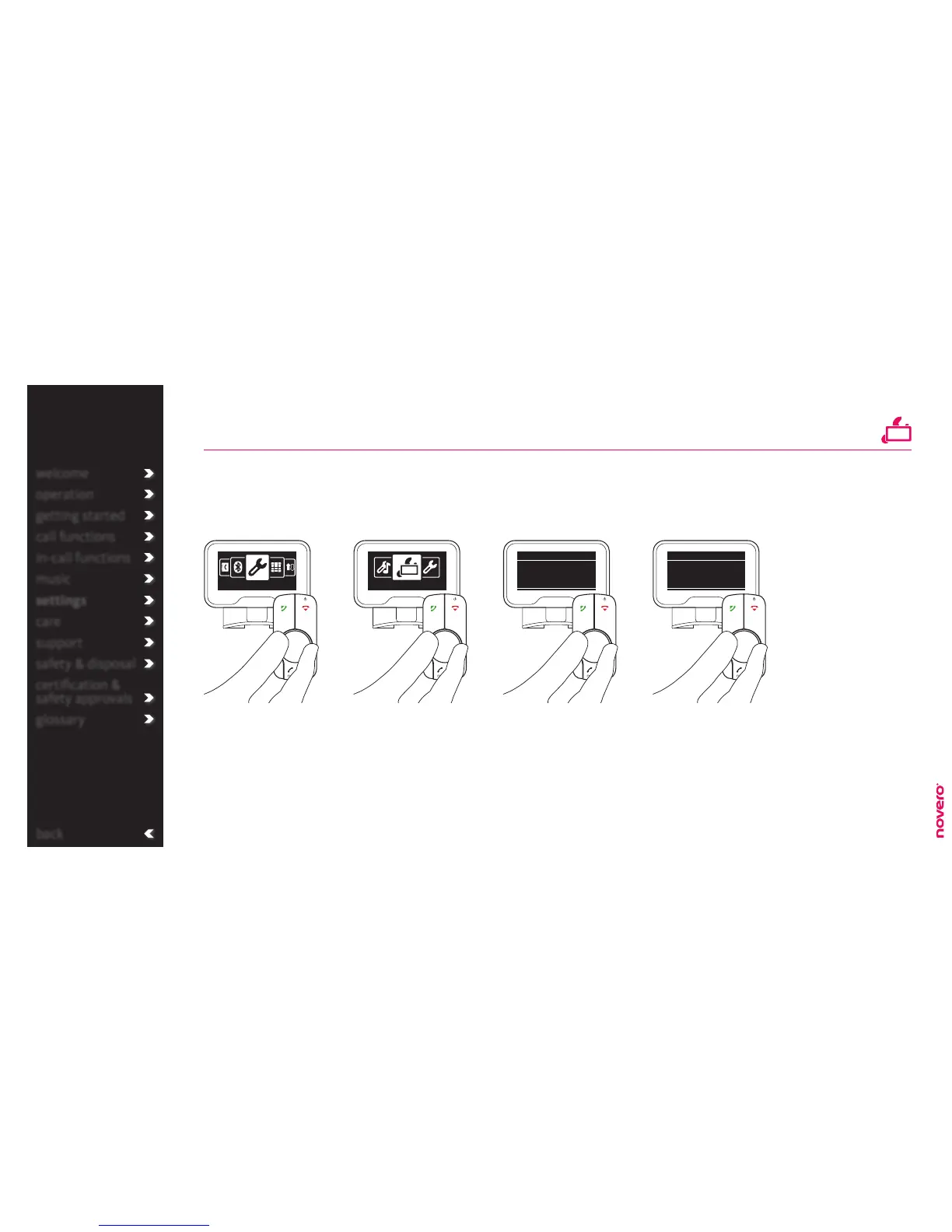
name sorting
Turn E to select Name
sorting, and press E to
confirm.
Turn E to select Display
settings, and press E to
confirm.
Turn E to select order, and
press E to save the new
setting.
Enter the menu list, turn E
to select Settings, and press
E to confirm.
With TheTrulyOne you can choose if you want your contacts sorted by first or last name.
Go to Settings Go to Display settings Go to Name sorting Sort names
welcome
operation
getting started
call functions
in-call functions
music
settings
care
support
safety & disposal
certification &
safety approvals
glossary
Settings
Display settings
Display settings
First name rst
Name sorting
Display settings
Last name rst
Name sorting
display settings
_read more



 To Next Page