12
C O M P L E T E T H E F A L C O N S E T U P
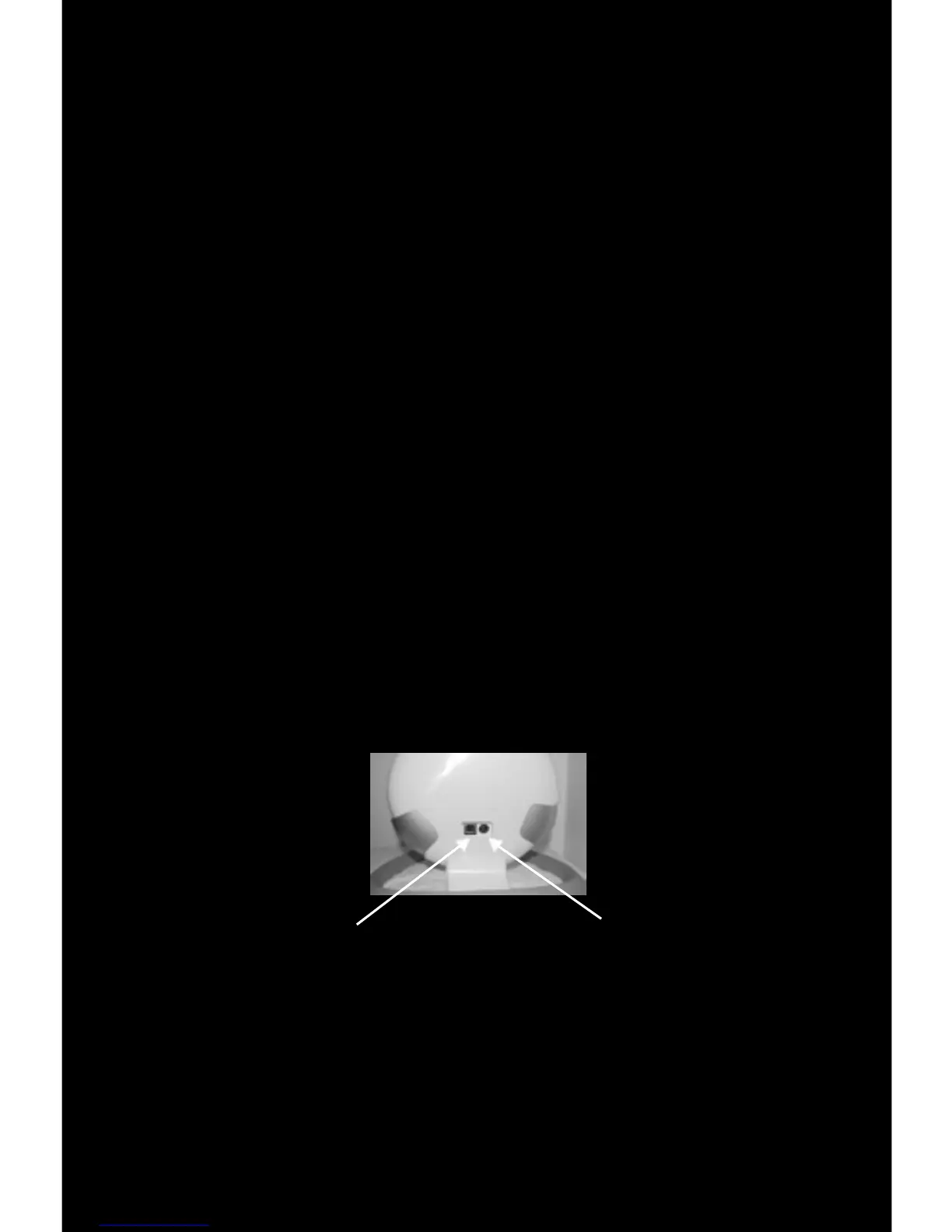
(1) Insert the USB Cable into the back of the Falcon and into your computer’s USB
slot. Your computer will automatically recognize the Falcon and install the Falcon
drivers. If it does not, please refer to the Troublshooting section at the end of
(2) Plug in the Power Supply to a standard 120 volt outlet and into the back of the
Novint Falcon.
Falcon USB Cable Falcon Power


 To Next Page