NHDR-5000 Viewer - User’s manual ver. 1.1
All rights reserved © AAT SYSTEMY BEZPIECZEŃSTWA SP. Z O.O.
13
BASIC FUNCTIONS
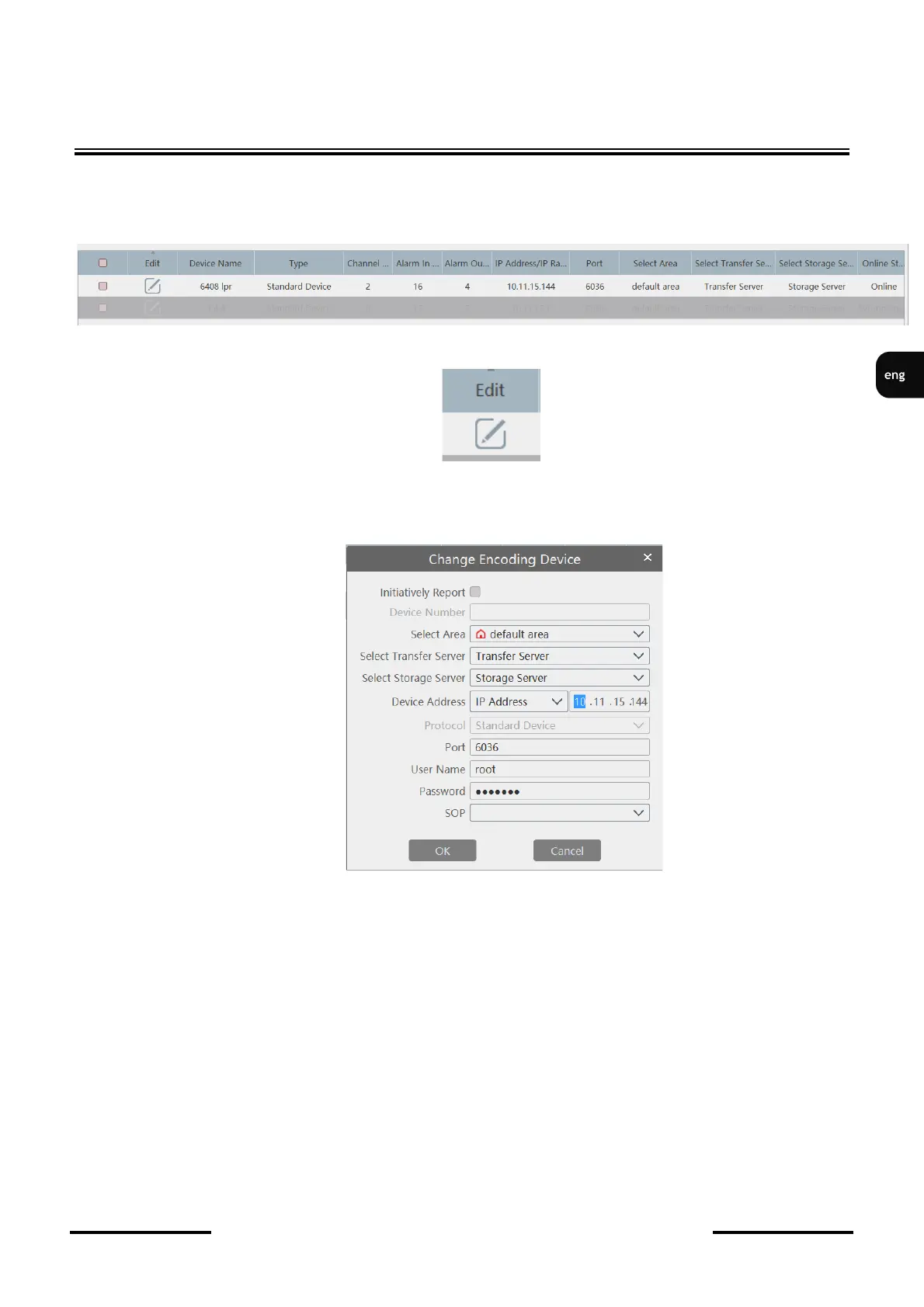
If the device has been correctly added, the device data will be displayed in black. A gray color in the
data line and a status other than Online in the Online Status column means that the device has failed
to connect.
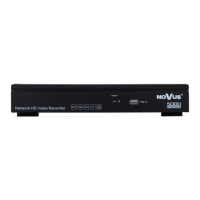
To edit device parameters, click on the field in the Edit column.
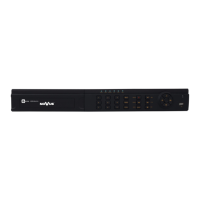
In the opened window, you can edit connection parameters such as Port, Username, Password and
IP Address. After making changes, press the OK button to save the parameters.



 To Next Page