All rights reserved © AAT SYSTEMY BEZPIECZEŃSTWA SP. Z O.O.
N Control 6000 - User’s manual ver. 1.1
6
SOFTWARE STARTUP
2.2. Software startup
The N Control 6000 program can be started by clicking on the MonitorClient.exe file (in the directory
where installed software) or with the N Control 6000 Client icon located on
desktop.
2.3. Login window
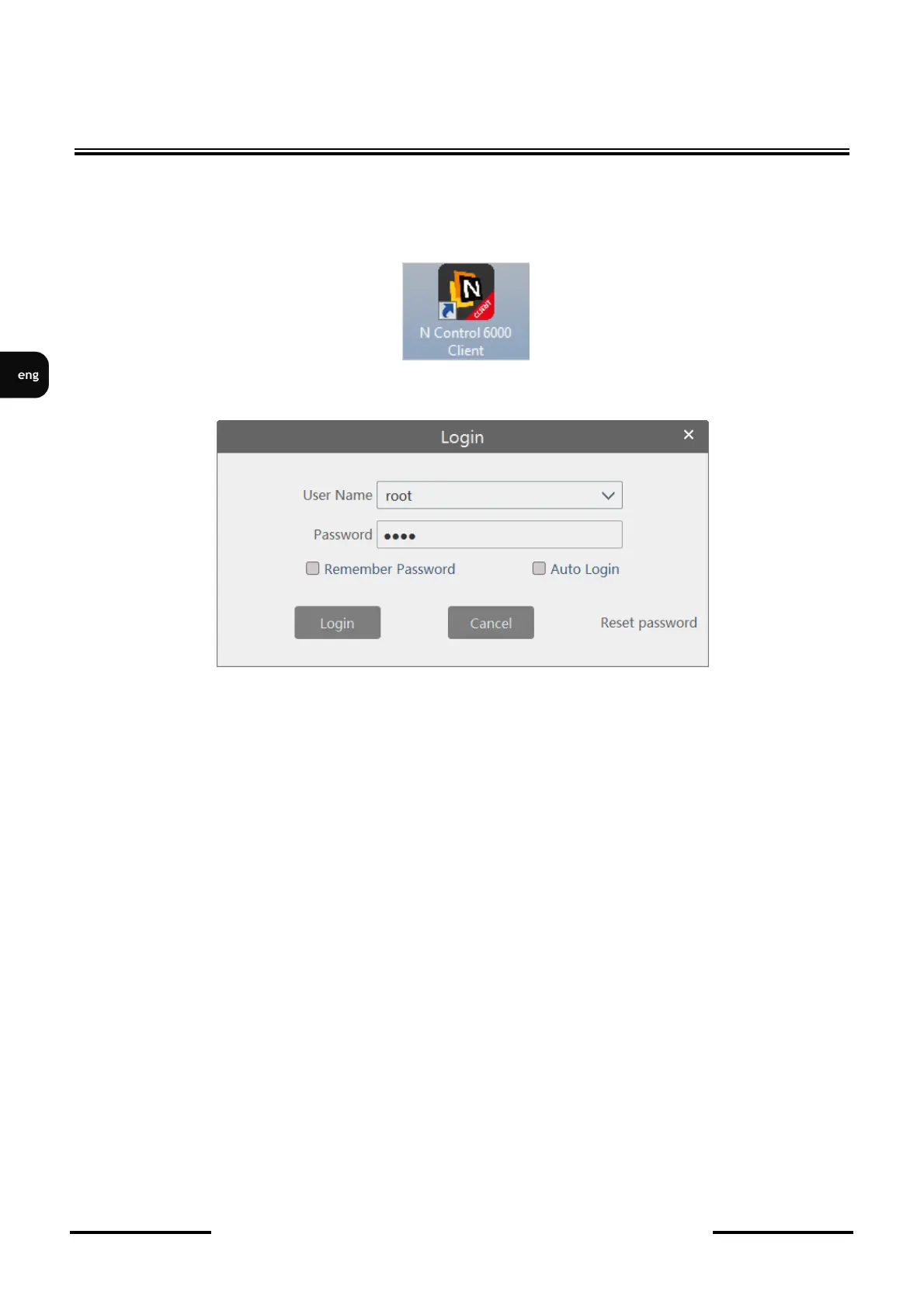
After starting the software, the login window appears.
User name - select user from the list. At first start here is only a super administrator account available
called root. After adding more users, with the first time you log in, enter their name. The next time
you log in, they will be on the list choice.
Password - a place to enter the password of the selected user. Default administrator password is pass.
Remember Password - the option saves the password in the program, the user will not need it
type next time
Auto Login - the option saves the password in the program, the user will not need to
type it next time
Login – logging into the account of the indicated user.
Cancel - resignation from starting the software.
Reset password - the option to give a new password to the super administrator account. At
the first login is not available. To use this option, you must first select 3 security questions
and define the answers.



 To Next Page