NHDR-5000 Viewer - User’s manual ver. 1.1
All rights reserved © AAT SYSTEMY BEZPIECZEŃSTWA SP. Z O.O.
7
SOFTWARE STARTUP
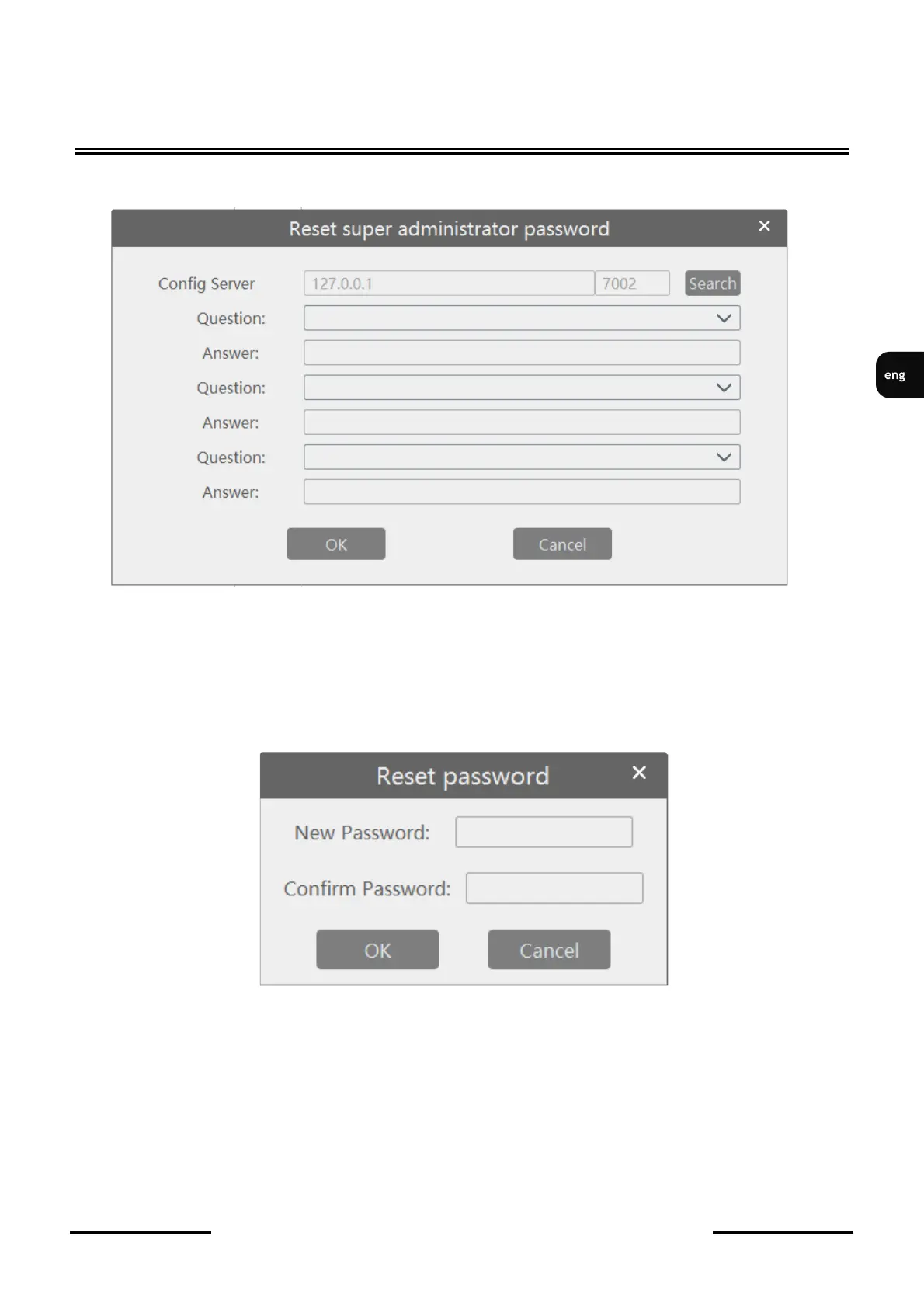
After pressing the Reset password button, the following window appears.
After pressing the Search button, the defined security questions appear. Questions
are defined in the Accounts and permissions section, User Account Settings tab, button
Edit security questions.
After correctly filling in the answer and pressing the OK button, a window with fields for entering a
new password appears.
After entering the new password twice, you can log into the software. All user account settings can be
changed in the Accounts and Permissions section.



 To Next Page