User´s Manual English
DTR 126 15
GAME
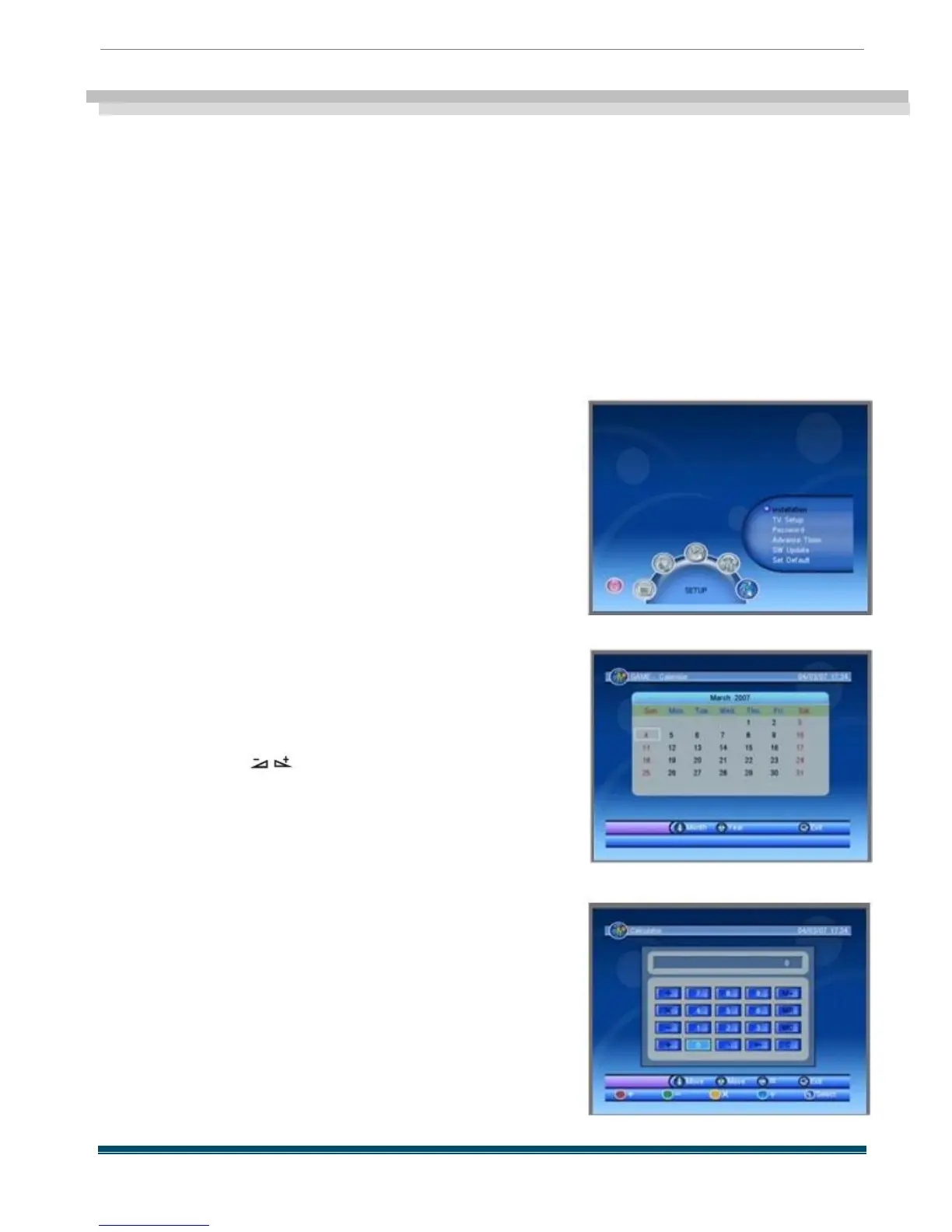
When you enter GAME menu like beside you
will find the receiver provides a game for you to
play .
This menu has three sub -menus :
-Gomoku
-Calendar
-Calculator
4.1 Gomoku
Choose Gomoku and press [OK ] key to enter .
4.2 Calendar
When you enter Calendar menu , the screen
will display as beside .
Press PR + ,PR - key to select month , and press
[Right /Left ] key to select year .
Press EXIT key to exit
4. 3 Calculator
When you enter Calculator menu , the screen will
display as beside .
Red key : Plus
Blue key : Divide
Yellow key : Multiplication
Green key : minus
Press PR + ,PR - , keys to move the cursor
and select the button on calculator.
Press OK to see the calculation .
Press EXIT key to exit.



 To Next Page