User´s Manual English
DTR 126 10
TV
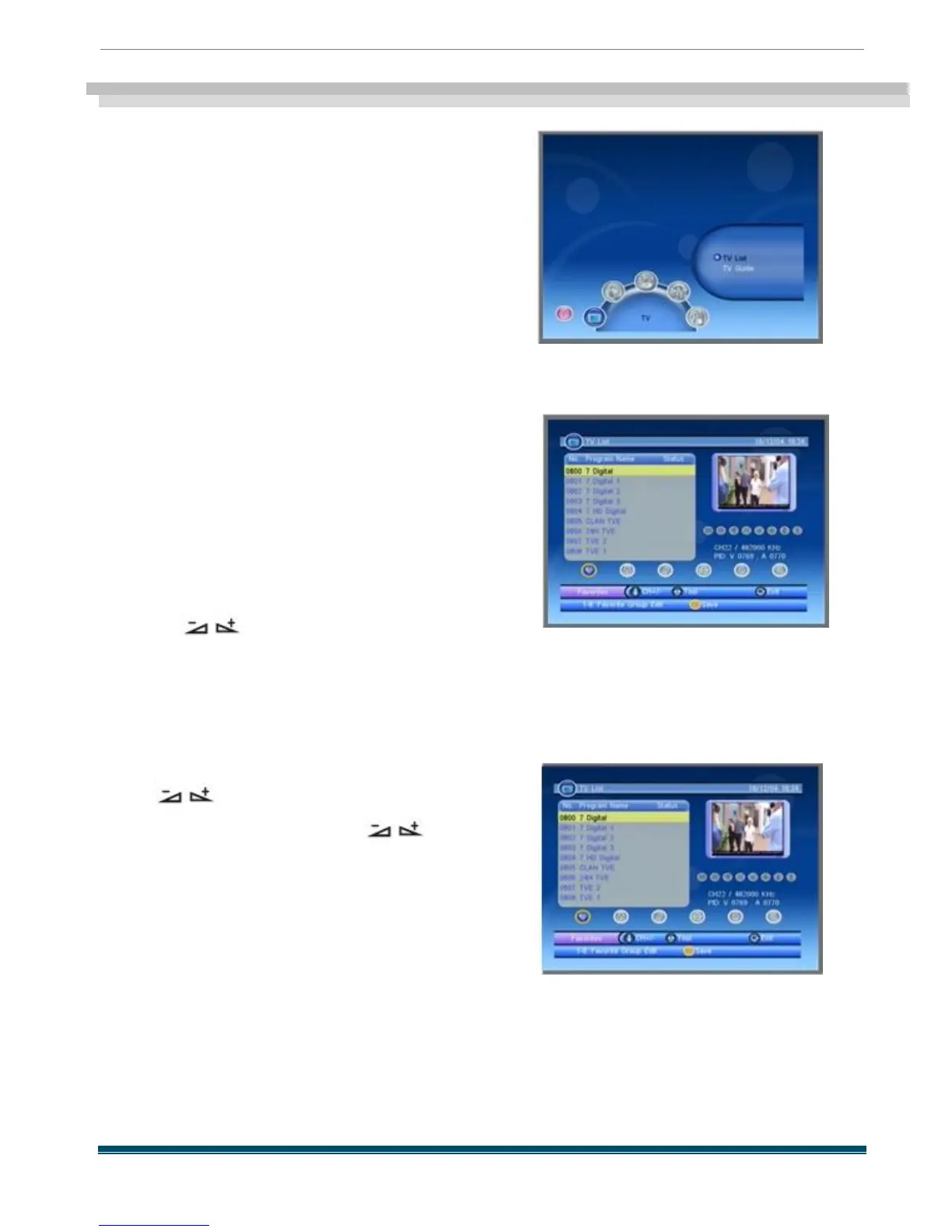
This menu has two sub -menus :
-TV List
-TV Guide
1.1 TV List
When you enter “TV List ” menu , the screen will
display as below.
You can move highlight by pressing [Up /Down ]
key and preview the highlighted program in
preview window beside the channel list .
You can press [Page Up /Page Down] key to
implement the Page up or Page down function .
You can press [OK ] key or [EXIT ] key to enter full
screen mode .
Pressing keys to carry out the
corresponding functions that shows you at the
bottom of the screen
1.1.1 Favorites
Pressing keys to select the favorites
button , and then press PR + ,PR -
keys to
select
the program you like , after that press OK key
on RCU to assign the selected channel , press
yellow key to save ,or press [EXIT ] key to
cancel the operation



 To Next Page