EasyManua.ls Logo

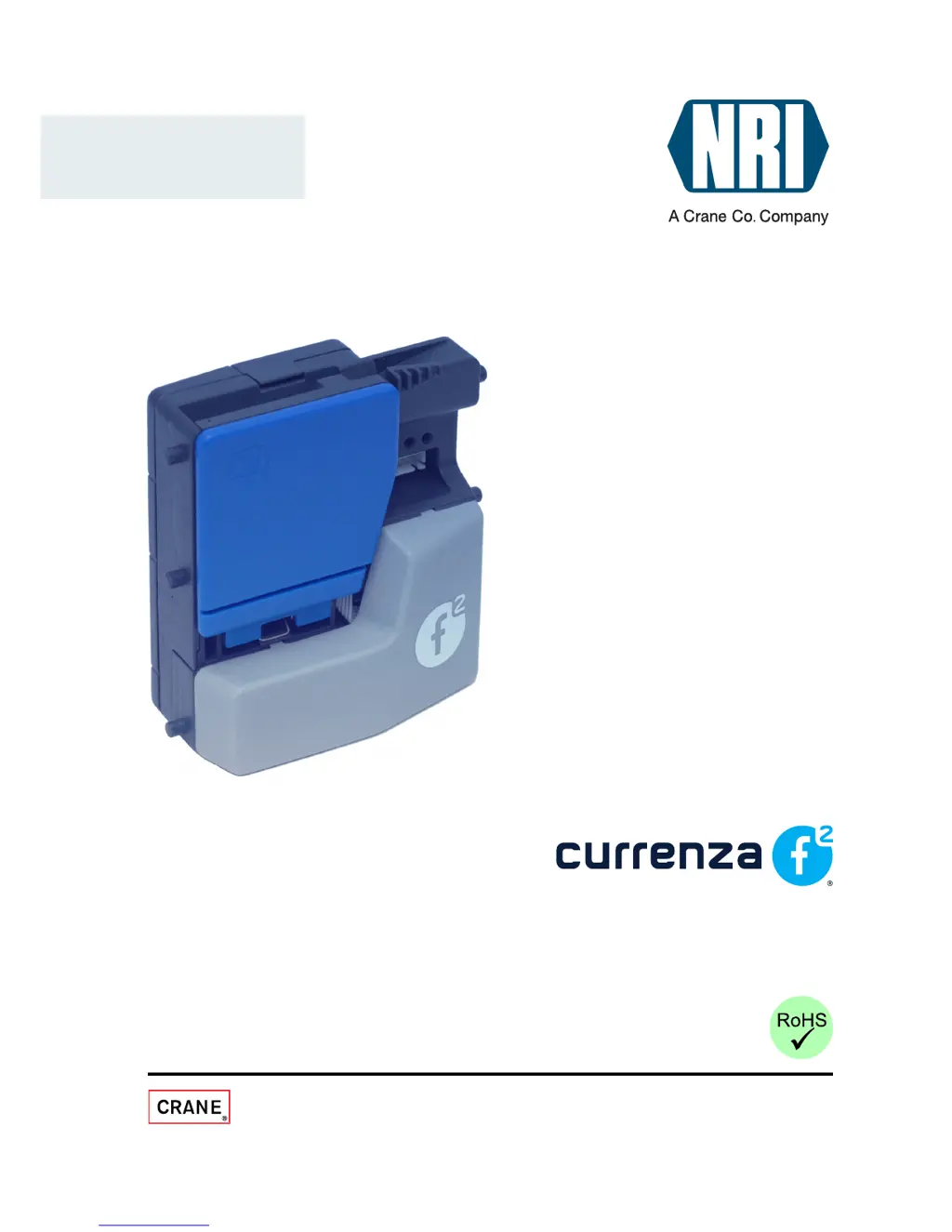
NRI Currenza F2 - User Manual

NRI Currenza F2
51 pages
Print Icon
To Next Page IconTo Next Page
Loading...
National Rejectors, Inc. GmbH • Zum Fruchthof 6 • D-21614 Buxtehude
Phone: +49 (0)4161-729-0 • Fax: +49 (0)4161-729-115 • E-mail: info@nri.de • Internet: www.nri24.com
Technical Documentation
DRAFT
Electronic coin validator
Operating instructions
11.08 Hns/WP/Roe
Version 0.2
BA.F2-EN

Questions and Answers

Summary

General information

General information about these instructions

Describes the scope and structure of the operating instructions.

Text conventions

Explains formatting and symbols used for clarity.

Additional technical documentation

Guides on where to find more related documentation.

General information about the coin validator

Overview of the currenza f² coin validator's features.

Models and operating modes

Details differences in models and operational modes.

Machine interfaces

Explains serial and parallel interface options.

Dimensions

Provides physical dimensions of the validator.

Safety instructions

Proper use

Outlines the intended use and safety guidelines.

Protecting yourself and equipment

Details precautions for safe operation and handling.

Design

The coin route from insert funnel to coin outlet

Explains the path coins take through the validator.

Switching blocks

Describes the function of the DIL switching blocks.

Flight deck and measurement and validation area

Details the coin measurement and validation area.

Pilot lights

Explains the meaning of the validator's indicator lights.

Interfaces

Refers to detailed interface information.

Function

Coin acceptance and coin channels

Explains how coins are accepted and managed in channels.

Single or double block data-management

Describes data management options for coin channels.

Accepted coin sensors

Details the function of sensors for accepted coins.

Coin validator control

How the validator is controlled via interfaces.

Multiple impulses

Explains using multiple impulses for coin differentiation.

Coin impulse length

How to set coin impulse duration.

ccTalk data transfer protocol (currenza f² ccTalk only)

Details the ccTalk protocol for communication.

Control for external sorting device

How to control external sorting devices.

Coin enable;inhibition;Activation of narrow coin channels

How to enable/disable coins and narrow channels.

External common inhibit (currenza f² parallel only)

How the machine controls common inhibit via parallel interface.

External inhibit of single coin types (currenza f² with parallel standard interface only)

How the machine inhibits single coin types via parallel interface.

Internal inhibit of single coin types;coin type groups

How to inhibit coin types using switching blocks.

Teach mode

How to teach new coins without software.

Start-up

Installation

Steps for installing the validator in a machine.

Operation

Selecting memory block (only with double block data-management)

How to select memory blocks for data management.

Inhibiting coins;Activating narrow coin channel

How to inhibit coins or activate narrow channels.

Teaching coin channels in the teach mode

How to teach coin channels using switching blocks.

using ccTalk commands;machine service menu

How to teach coins using ccTalk commands.

Maintenance and service

Cleaning coin validator

Step-by-step guide to cleaning the validator.

Troubleshooting

Table of common problems and solutions.

Error diagnosis using tilt line

How to diagnose errors using tilt line signals.

WinEMP programming station for the workshop;WinEMP compact for on-site configuration

Function

Purpose and function of WinEMP software.

Composition

Components of the WinEMP programming station.

Which functions can be set?

Lists configurable functions via WinEMP.

Technical data

Device data

Specifications like voltage, current, dimensions.

CE Certification

Details about CE compliance and directives.

currenza f² parallel, standard model interface

Pin assignment, connection diagram, interface description.

currenza f² parallel, SGI model interface

Pin assignment, compatibility, and interface description for SGI models.

currenza f² ccTalk interface

Pin assignment and protocol details for ccTalk interface.

ccTalk commands, status and error messages

Lists ccTalk commands and messages sent to the machine.

Buffered error code table

Table of error codes and their meanings.

Default settings (following reset)

Default settings applicable after a reset operation.

Teach mode

Details on teaching mode control and status.

Accessories

Sorting device

Information on the sorting device accessory.

Test tools

Details on NRI testers and software.

WinEMP PC programming station;WinEMP compact

Information on WinEMP software accessories.

NRI Currenza F2 Specifications

General IconGeneral
DisplayLCD
Bill CapacityUp to 600 bills
Acceptance Rate98%
Communication InterfaceUSB, RS232
Power Supply12V DC
Stacker CapacityUp to 600 bills
Supported CurrenciesMultiple currencies

Related product manuals