EasyManua.ls Logo

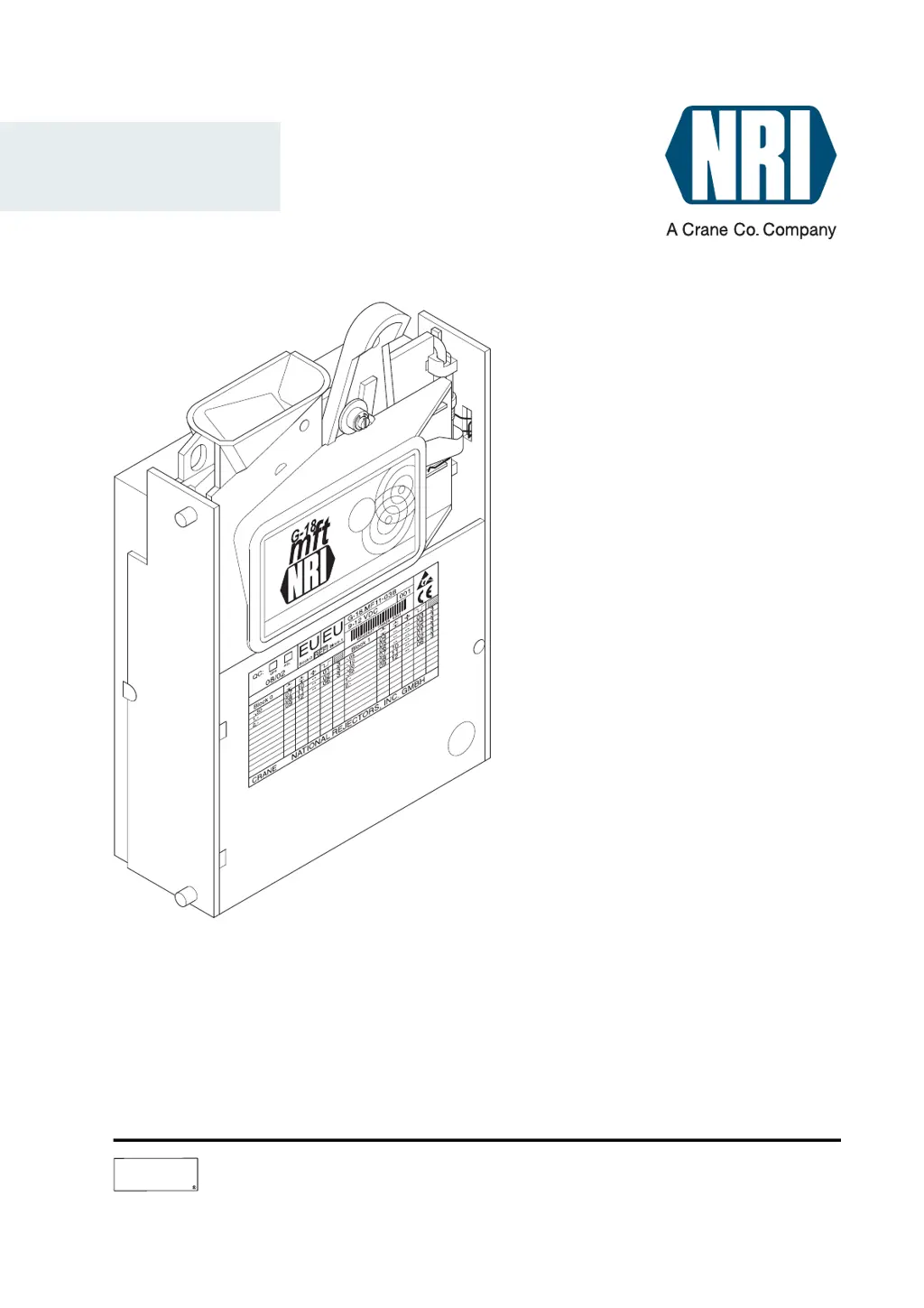
NRI G-18.mft - User Manual

Default Icon
60 pages
Print Icon
To Next Page IconTo Next Page
Loading...
National Rejectors, Inc. GmbH Zum Fruchthof 6 D-21614 Buxtehude
Phone: +49 (0)4161-729-0 Fax: +49 (0)4161-729-115 E-mail: info@nri.de Internet: www.nri.de
CRANE
Technical Documentation
01.06 GS/Bur/WMe/ds
Edition 1.1
BA.G18MFTAS-GB
Electronic coin validator
G-18.mft
with vending machine control system for 1-5-chute machines
Operating instructions

Table of Contents

Questions and Answers

Summary

General information

General information about these instructions

Describes the design and operation of the coin validator and how to navigate the manual.

General information about the coin validator

Provides an overview of the G-18.mft, its successor status, and suitability for outdoor use.

Advantages

Lists key benefits like low current consumption, operating reliability, and speed.

Scope of delivery

Details the items included with the coin validator G-18.mft.

Safety instructions

Proper use

Defines the intended use of the coin validators and states manufacturer liability.

Protecting yourself and equipment

Details precautions for safe connection, handling, and maintenance of the device.

Other operating modes of the G-18.mft

Parallel operation

Explains use in vending machines with a parallel interface as a validator or totalizer.

Coin validator operation

Describes the function of checking coin properties and accepting or rejecting them.

Totalizer operation

Explains its use for managing prices internally and triggering goods handover.

Serial operation

Covers use in vending machines with a serial interface as slave or master.

Slave coin validator operation

Details operation as an exclusive coin validator using MDB or S1 protocols.

Master operation

Explains its role in controlling external devices via MDB protocol.

Design

The coin validator

Describes the physical components of the G-18.mft validator.

Return lever

Describes the function and operation of the return lever for coin return or jam clearance.

Switching blocks (on coin validator)

Details the three switching blocks (S1-S3) and their DIL switches for configuration.

Function assignment of the DIL switches

Explains the specific function of each DIL switch within blocks S1, S2, and S3.

Light-emitting diode (on coin validator)

Explains the function of the LED for indicating battery voltage and memory block status.

Interfaces (on coin validator)

Lists and describes the interfaces for the control PCB, MDB periphery, and configuration.

Label

Explains the data and labels present on the coin validator's identification sticker.

The additional control PCB

Describes the components and interfaces of the additional control PCB.

Button and switches (additional control PCB)

Details the function of the button and DIL switches on the additional control PCB.

Pilot lights (vending machine door)

Explains the meaning of the green and red LEDs in the vending machine door.

Functions

Coin acceptance

Explains how the validator inspects coins using sensors and acceptance bands.

Coin channels and memory blocks

Details the 12 memory slots (coin channels) and two memory blocks for coin configurations.

Accepted coin sensors

Explains the role of sensors in verifying coin presence in the cash-box chute.

Prices

Covers setting up to five prices for products, with default EUR 1.00.

Sale

Describes the sequence of coin acceptance, credit accumulation, and product dispensing.

Battery empty detection

Explains how the LED indicates battery voltage status.

Inhibiting of specific coin types

Details how to disable specific coin types using switching blocks.

Teach mode (optional)

Describes teaching new coins/tokens directly via the machine.

Communication with MDB periphery (optional)

Explains connecting external MDB devices like card readers.

Starting up

Starting up in the vending machine

Outlines the steps for installing and activating the validator in a vending machine.

Install coin validator and additional control PCB

Provides step-by-step instructions for physical installation and initial DIP switch settings.

Restore power supply

Final step before performing a test run.

Perform test run

Describes the automatic test run for verifying connected components and initial positions.

Set the prices

Details the procedure for setting product prices using DIL switches and coin insertion.

Set exact price or overpay mode

Explains how to configure the validator for exact price matching or overpayment.

Connecting the device environment of the PC programming station (WinEMP)

Describes connecting to a PC for configuration using WinEMP software.

Connecting the Palm handheld (PalmEMP)

Describes connecting a Palm handheld for configuration using PalmEMP software.

Operation

Inhibit coins

Explains how to use DIL switches to prevent specific coin types from being accepted.

Switching block S1

Details the DIL switch assignments for S1, focusing on coin inhibition.

Switching block S2

Details the DIL switch assignments for S2, focusing on coin inhibition.

Selecting memory block

Explains how to switch between memory blocks 0 and 1 using DIL switch S3.10.

Disabling price and test switches;button

Describes how to disable operational elements on the additional control PCB.

Teaching coin channels in teach mode (optional)

Explains how to teach new coins/tokens directly via the machine using switching block S2.

Set DIL switches S2.1-6 downward to OFF

Part of the teach mode procedure, setting switches for normal operation.

Set DIL switch S2.7 upward to ON

Part of the teach mode procedure, enabling teach mode.

To save with a wide acceptance band

Describes saving coin data with a wider acceptance band.

Set DIL switch (S2.1-6, here: S2.3) for the taught coin channel downward to OFF

Finalizing the teach mode by disabling the taught channel.

Maintenance and service

Cleaning coin validator

Instructions for cleaning the coin validator using a damp cloth.

Displaying battery voltage

Explains how to check battery status using the LED and return lever.

Testing escrow, selection buttons, product ejectors, motorized return mechanism manually

Describes manual testing of vending machine components via the additional control PCB.

Status and error messages of the pilot lights in the machine door

Explains the meaning of LED flashes for status and error conditions.

Troubleshooting

Which functions can be set using WinEMP;PalmEMP?

Optimize acceptance of genuine coins and rejection of false coins

Covers adjusting acceptance bands for coin recognition.

Prices

Setting prices via software.

New coins;tokens

Creating new acceptance bands and assigning coin values.

Technical data

Supply voltage

Specifies the required voltage for the device.

Current consumption

Details the electrical current drawn by the device in different modes.

Device dimensions

Physical dimensions of the coin validator.

CE certification

Mounting dimensions

Pin assignment and connection diagrams for...

Product ejectors 1-5 (1 a-1 e, Fig. 6)

Pin assignments for product ejector interfaces.

Escrow (2, Fig. 6)

Pin assignments for the escrow interface.

Selection buttons, pilot lights, return button (vending machine door)

Pin assignments for vending machine door components.

MDB periphery (10-pole)

Pin assignments for the 10-pole MDB interface.

Accessories

Configuration software

Describes WinEMP and PalmEMP software for configuration and diagnostics.

Update software

GeldKarte card reader and display

Details MDB GeldKarte card reader and display options.

NRI G-18.mft Specifications

General IconGeneral
BrandNRI
ModelG-18.mft
CategoryCash Counters & Coin Sorters
LanguageEnglish

Related product manuals