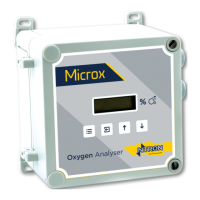
Ntron OxyTX
Operation and Installation Manual
Revised:10/2013 ECN00008
Part No.:01-507
Ntron Ltd, Mullaghboy Industrial Park, Navan, Co Meath, IRELAND
Tel: + 353 (46)9071333 • Fax: + 353 (46)9071331 •
Email: info@ntron.com • Website: www.ntron.com/ntron
Ntron Ltd, Dallam Court, Dallam Lane, Warrington WA2 7LT, UNIITED KINGDOM
Tel: + 44 (161) 930 8690 • Fax: + 44 (161) 930 8691
OPERATION
Start-up Procedure:
Inspect all customer wiring to ensure correctness.
Verify mounting integrity
Activate mains power supply
Calibrate following calibration procedure below.
System is now operational and ready for on-line use.
Calibration:
Tools for calibration and test of operation:
• Zero grade/UHP Nitrogen.
• 2.5mm Hexagonal Key
• Multimeter.
• Leak detection solution.
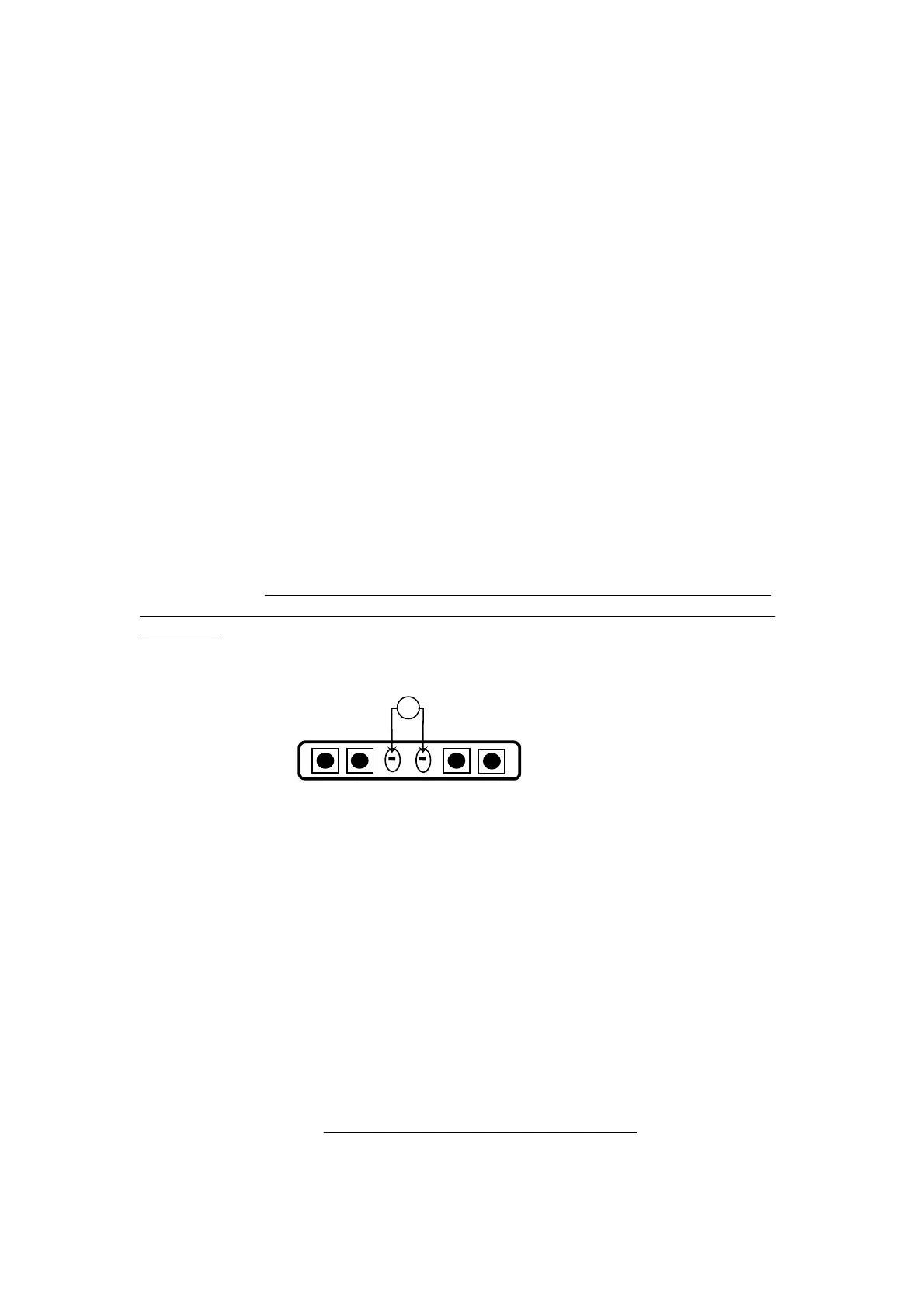
In order to gain access to the calibration switches and test points, release the screw
situated between the letters T and R of the chrome NTRON label on the Detector
Head front panel. The screw does not need to be completely removed, only release it
far enough so that the NTRON label can rotate revealing the calibration switches and
test points. The buttons and test points are designated as follows:
P2 ENTER MENUUP DOWN TP1 T
+ -
Several calibration / configuration modes exist in the detector head and these are
accessible via the instruments simple menu system. To select a menu mode follow
this procedure:
• Press the MENU button and C: 1 appears on the display.
• Press UP or DOWN until the required menu mode is displayed on the screen.
• Press ENTER to select the menu mode.
• To exit the menu mode press MENU.
While the instrument is in a menu mode – any data displayed on the screen will
alternate between the menu number and the reading.
P
AGE 8 OF 19



 To Next Page