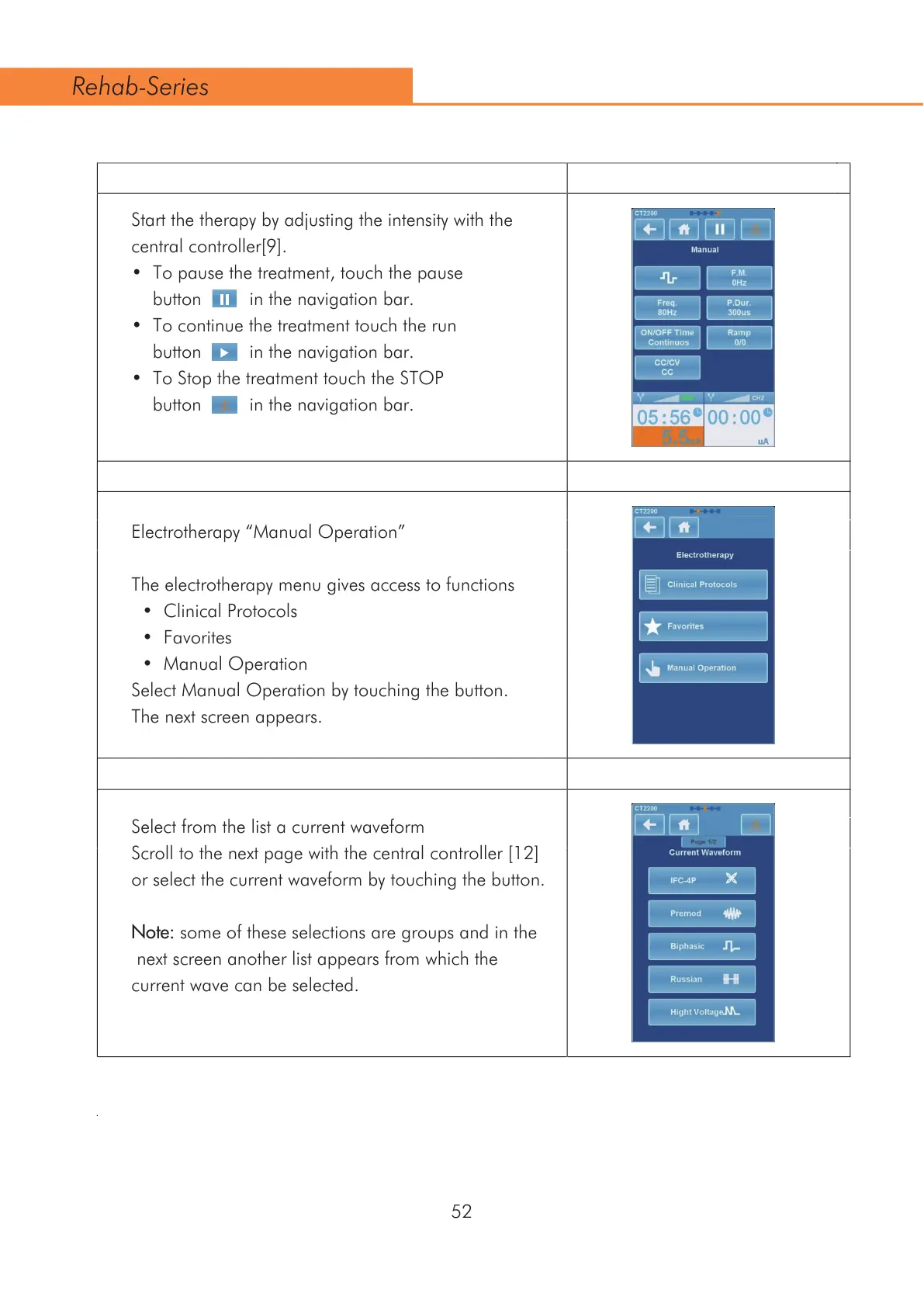
Start the therapy by adjusting the intensity with the
FHQWUDOFRQWUROOHU>@
7RSDXVHWKHWUHDWPHQWWRXFKWKHSDXVH
button in the navigation bar.
7RFRQWLQXHWKHWUHDWPHQWWRXFKWKHUXQ
button in the navigation bar.
7R6WRSWKHWUHDWPHQWWRXFKWKH6723
button in the navigation bar.
$
$
$
$
Electrotherapy “Manual Operation”
The electrotherapy menu gives access to functions
&OLQLFDO3URWRFROV
)DYRULWHV
0DQXDO2SHUDWLRQ
Select Manual Operation by touching the button.
The next screen appears.
Select from the list a current waveform
6FUROOWRWKHQH[WSDJHZLWKWKHFHQWUDOFRQWUROOHU>@
or select the current waveform by touching the button.
Note: some of these selections are groups and in the
next screen another list appears from which the
current wave can be selected.
52
Rehab-Series



 To Next Page