Bluetoothicon( ).
l
Windows devices—LaunchSet-
tings>Devices>Bluetooth and
other devices.
4.
Re-connectyourheadset:
l
Apple devices—IntheMy
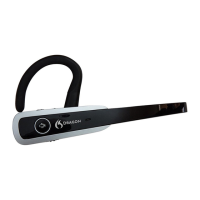
Deviceslist,tapDragon
Bluetooth Headset II.
l
Android devices—Inthe
AvailableDeviceslist,tap
Dragon Bluetooth Headset II.
l
Windows devices—OntheSet-
tings>Devices>Bluetooth and
other devicespage,click
Dragon Bluetooth Headset II,
andthenclicktheConnect
button.
You'llhearaudioprompt"Connected".
TheredandblueLEDlightsstopflashing.
Audiorecognitionispoor
l
Ensuretheheadsetisincloserangeofyour
deviceandtherearenolargeobjectsbetweenthe
headsetandyourdevice.


 To Next Page