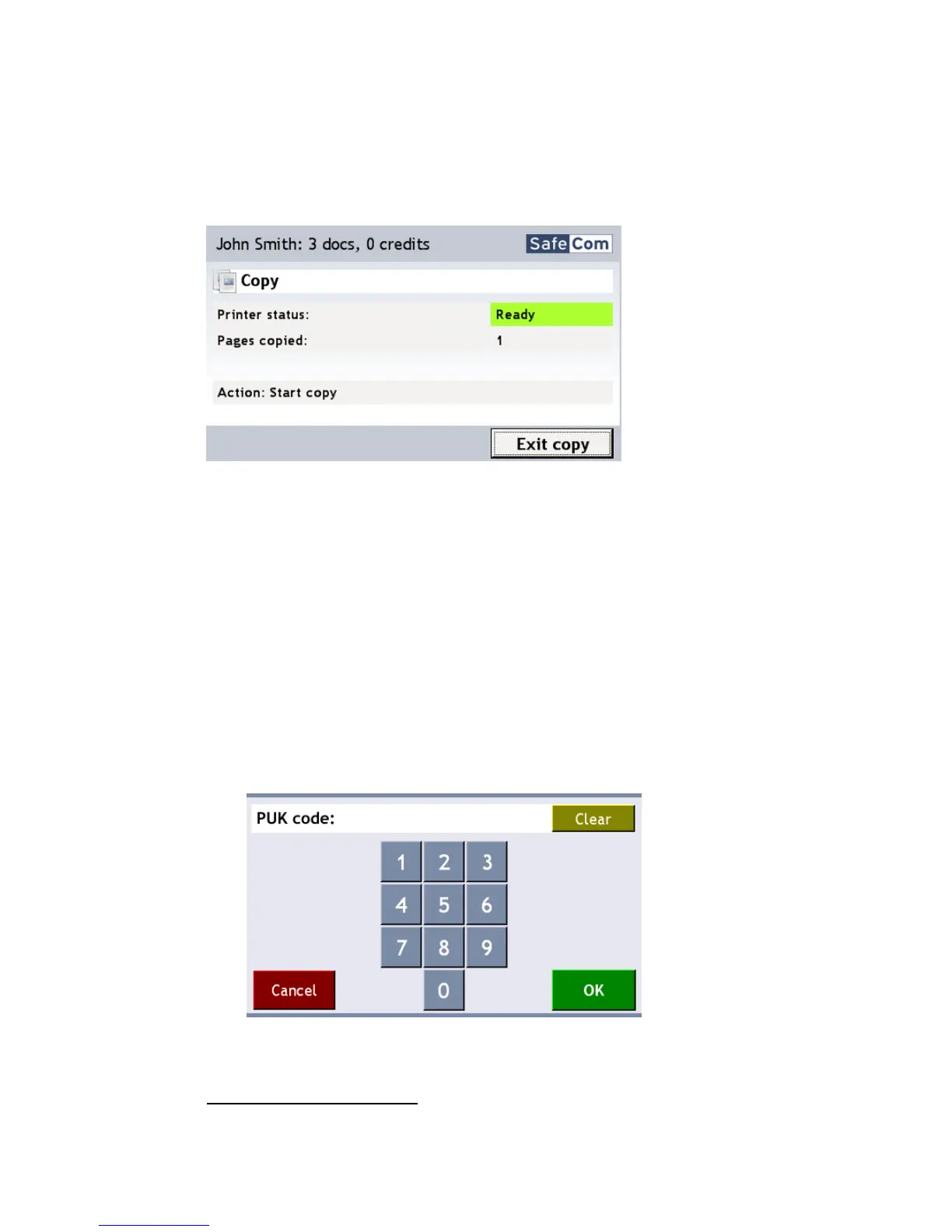
3.3 Copy
Once logged in touch Copy on the SafeCom Color Front-end touch-screen to
allow copying. The actual copy process is done as described in the MFP’s
manual, typically by pressing a copy or start button.
There is a configurable Copy idle timeout that defaults to 60 seconds (2.8.13).
3.4 Logout
Touch Logout.
There is a configurable idle timeout of 60 seconds (2.7.3). Users will be
logged out if they do not perform an operation on the touch-screen for
this period.
3.5 First time login with PUK code
1. Login on the SafeCom Color Front-end.
2. Enter the 8-digit PUK code that you received by e-mail or from your
Administrator.
3. The touch-screen will automatically prompt you for a 4-digit PIN code of
your own choice. You must enter this again to verify it.


 To Next Page