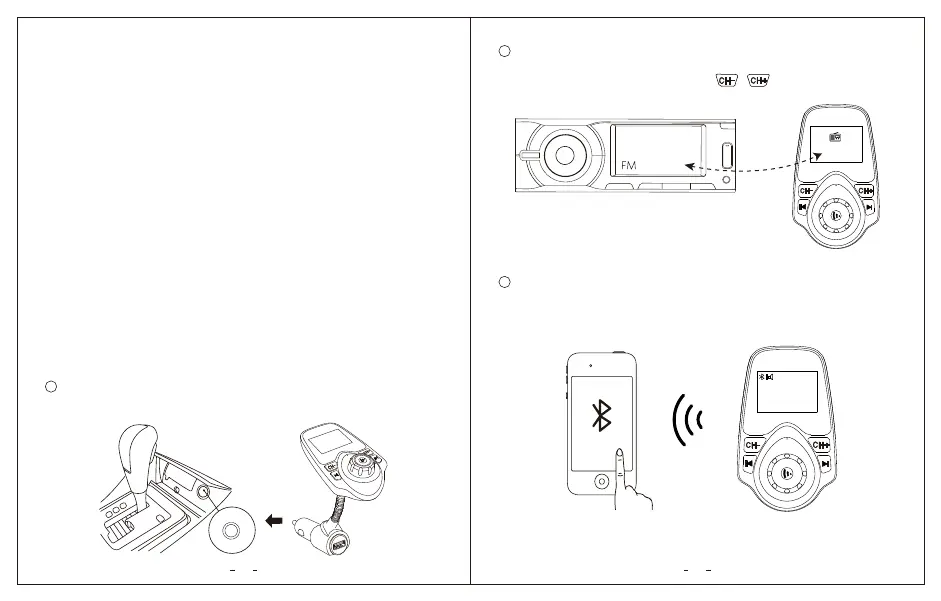
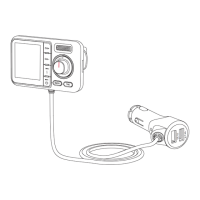
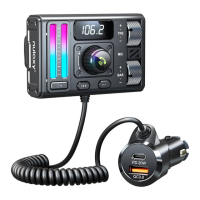
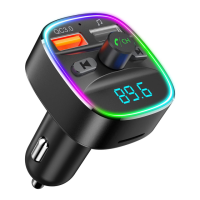
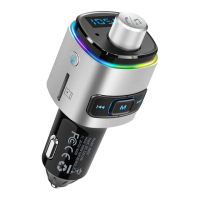
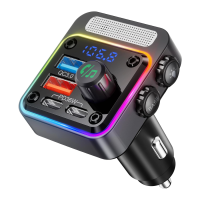
Turn on the FM radio on your car stereo system and tune to an
unoccupied frequency (you should hear white noise) from 88.1~107.9MHz
(US/CA), 87.5~108MHz (UK). Then press / until the transmitting
frequency matches the frequency your car stereo is tuned to.
• Enjoy Hands-free calling
• Streaming Music through car stereo
• Charging via Dual USB charging port
• 1* KM18
• 1* AUX Cable
• 1* User Manual
1. DC input: 12V~24V
2. FM Frequency Range: US/CA: 88.1~107.9MHz
UK: 87.5~108MHz
Features
Package Contents
Specifications
KM18
03
03
04
1. Connected via FM and Bluetooth
Plug “KM18” FM transmitter into your vehicle’s cigarette lighter socket.
The LCD display will shortly show the car voltage.
Get Started
5V/2.1A
1
2
3 Enable Bluetooth on your smartphone and search for available Bluetooth
devices. Select “KM18” and connect. Once successfully connected, the LCD
display will show the Bluetooth name of your phone and you should hear
a “Paired” voice prompt.
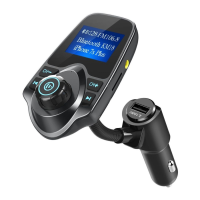
Bluetooth KM18
iPhone 6s Plus
28 FM106.8
106.8
106.8


 To Next Page