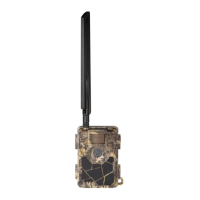
Piège photographique / Trail camera # PIE 1010 – Guide d’utilisation / User’s guide – indice A
23/40
A control key interface with six keys is primarily used in TEST mode to select operational
functions and parameters. As shown above, these keys are: UP, DOWN, LEFT, RIGHT, OK and
MENU.
When the power switch is slid to TEST position, the current settings are displayed on the LCD
screen.
3. Installing the batteries
WARNING: Make sure the camera power switch is in the OFF position before inserting
or removing batteries.
The working voltage of the camera is 12V. To supply power for the camera, 8 AA batteries are
needed.
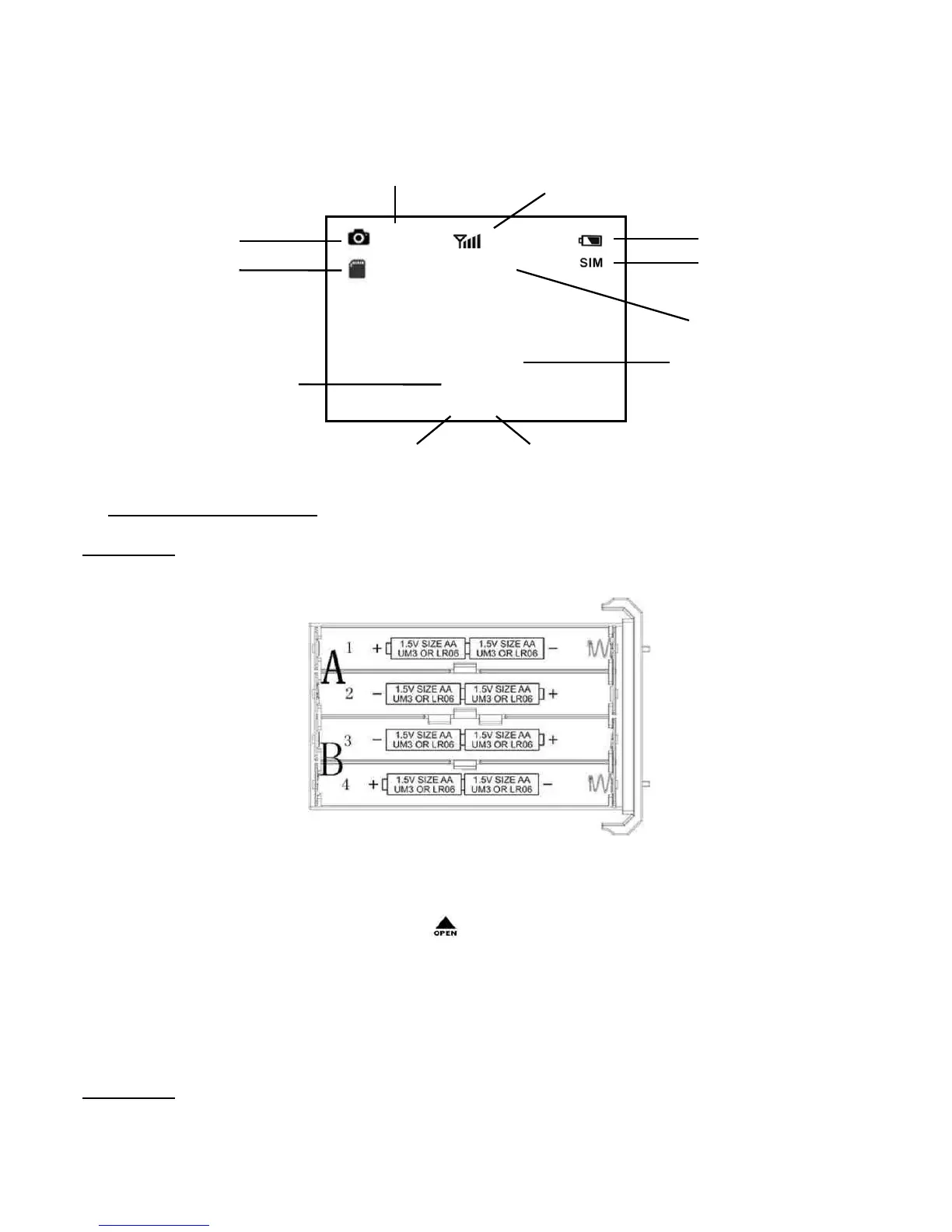
After opening the camera’s front cover, make sure the power switch is in the OFF position and
pull out the battery tray by pressing the button. Load the fully charged batteries into the
tray according to the polarity signs. Push the battery tray back into the battery chamber.
The following batteries with 1.5V output can be used:
− High density and high performance alkaline batteries (recommended)
− Rechargeable alkaline batteries
− Rechargeable NiMH batteries
WARNING
− Risk of explosion if batteries are replaced by an incorrect type.
− Do not use battery types other than the ones specified in this guide.
− Do not mix old and new batteries. Do not mix standard and rechargeable batteries.
Camera mode
SD card
Image size
Battery level
Date
Time: Hour:Minute:Second
Number of images Available space
2015/07/27
00:00:00
00001/03256
5 M
VODAFONE
Signal strength indicator
SIM card
Mobile phone
network operator


 To Next Page