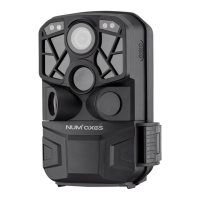
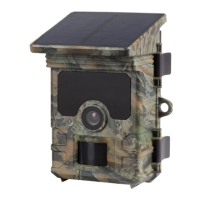
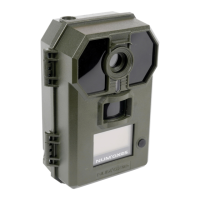
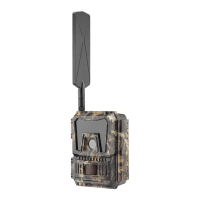
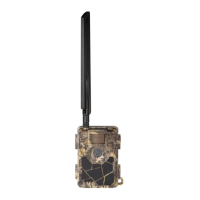
Piège photographique / Trail camera # PIE 1010 – Guide d’utilisation / User’s guide – indice A
27/40
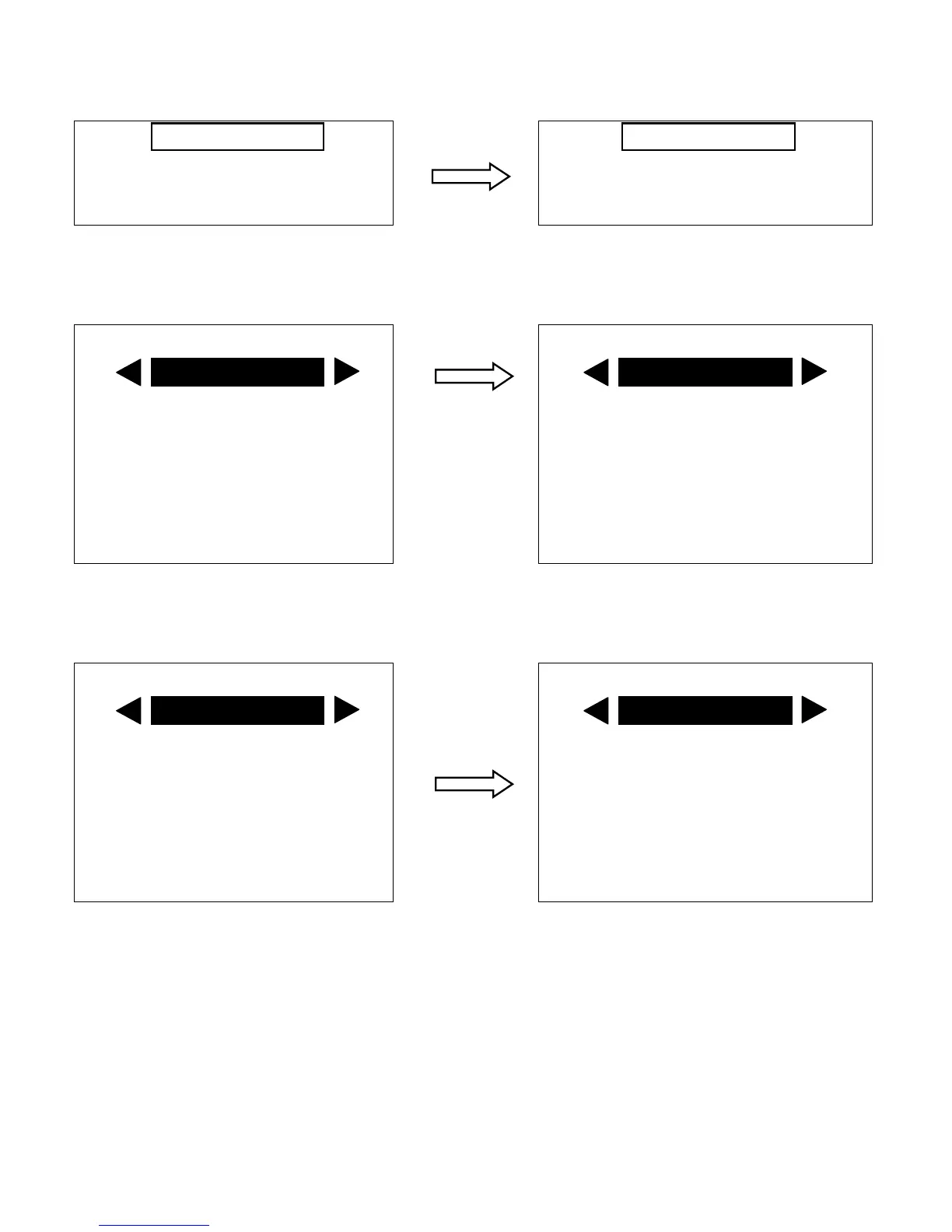
Press OK to enter the “Choisir la langue/Select language” interface, then press or to
select the language you want to use. Press OK to save the setting and exit.
Choisir la langue English
Réglages de l’appareil Français
Réglage SMTP/MMS Deutsch
Italiano
Press to highlight “Camera settings” and press OK to enter. The first parameter you will
see is “Mode”. To change it from its default setting of “Camera” (still photos) to “Video”
(shoot video clips), press the key to select “Video”.
Mode Mode
Photo resolution Photo resolution
5M 5M
Video resolution Video resolution
720P 720P
Images in series Images in series
1 photo 1 photo
Now press the key to move to another parameter in the Menu. Pressing it four times
will take you to “Video length”. Try using the and keys to scroll through the range of
settings for the length of each video clip the camera shoots.
Video length Video length
Beep sound Beep sound
ON ON
Set clock Set clock
Enter Enter
Fixed time Fixed time
OFF OFF
Camera Video
10s 20s


 To Next Page