3 - 10 en-938821/2
3.1.4.5 Tool Softkeys
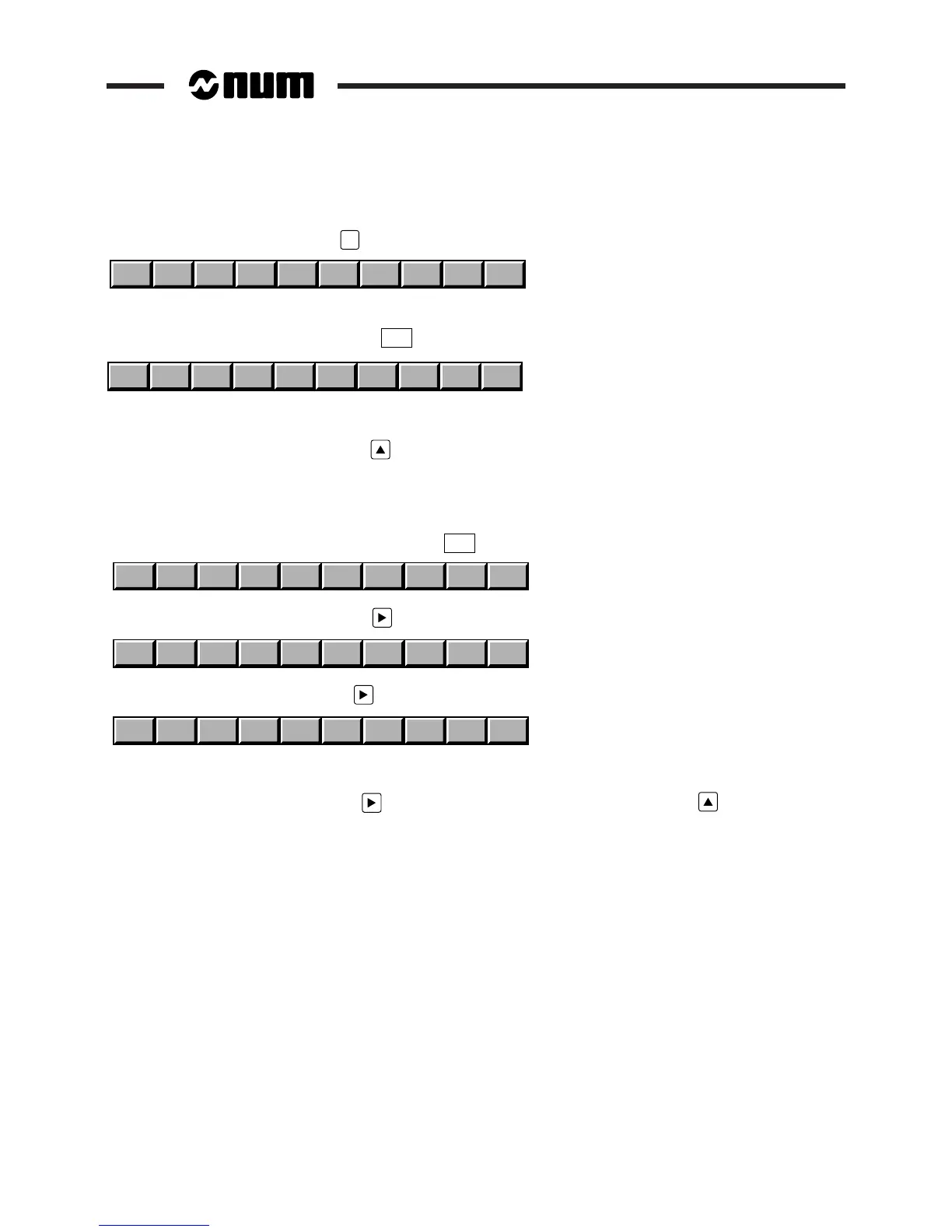
Access these softkeys by pressing
TOOL
.
TLCOMP
WEAR + L or X R or Z WEAR 0
Special Case of the Compact Panel: Tool Softkeys
Access the Tool softkeys by pressing the
TOOL
key of the Root softkey bar.
TLCOMP
WEAR + L or X R or Z WEAR 0
LR@
The tool softkeys contain the characters L, R and @.
Return to the Root softkeys by pressing (F1).
3.1.4.6 Character Softkeys of the Compact Panel
Use of these softkeys on the compact panel should be exceptional. It is preferable to connect a standard PC keyboard.
Access the first Character softkeys by pressing the
SYMBOL
key of the Root softkey bar.
;|JKLOUV#W
Access the second softkeys by pressing (F12).
()[]<>&:$?
Access the third softkeys by pressing (F12).
`'
\ ↑ _{}
|
"
~
The symbol Î represents a caret.
Return to the first softkeys by pressing (F12). Return to the Root softkeys by pressing (F1).



 To Next Page