10
history can be dialed directly by clicking the CALL BACK on the screen. When the number
appears on the list, click it to view details.
Call Options
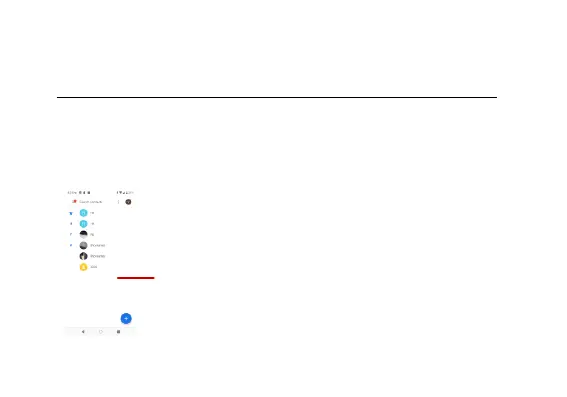
There are different options that can be used in the history and dialing interface. You may
press the MORE while in the dial interface and adjust speed dial and call settings. In the
dialing interface, you may press the search button
to browse through contacts list or set default contact resources.
Contacts



 To Next Page