User Manual of Digital Video Recorder
16
In Playback mode, it can be used to play or pause the video.
In single-frame Playback mode, pressing the button will
advance the video by a single frame.
In Auto-switch mode, it can be used to stop /start auto switch.
Universal Serial Bus (USB) ports for additional devices such
as USB mouse and USB Hard Disk Drive (HDD).
Receiver for IR remote control.
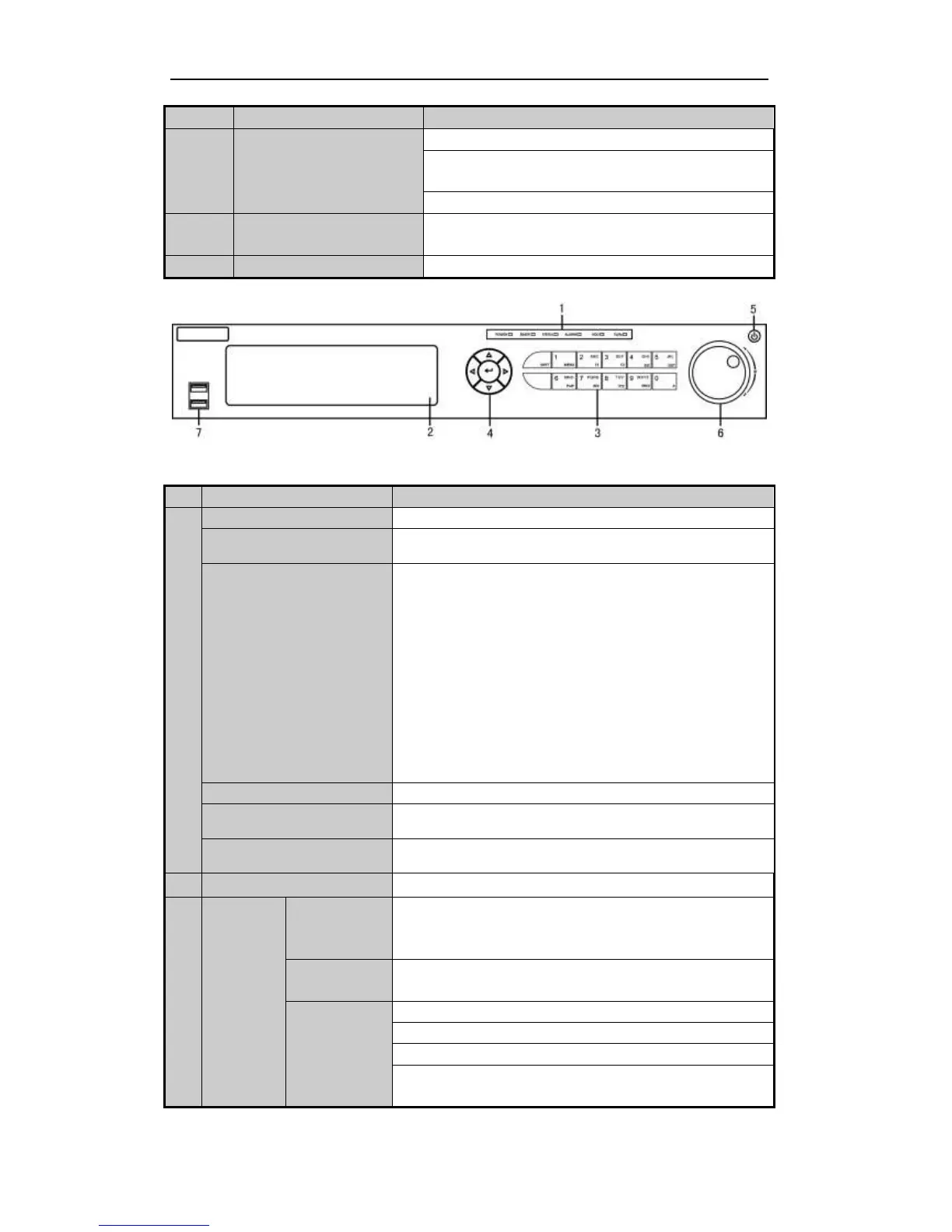
Front Panel of TVI-D14xx and TVI-D24xx
Description of Front Panel
Power indicator lights in green when DVR is powered up.
Ready indicator is normally green, indicating that the DVR is
functioning properly.
Indicator turns green when DVR is controlled by an IR remote
control with the address from 1~254;
Indicator turns red when the SHIFT button is used;
Indicator does not light when the DVR is controlled by a keyboard or
by the IR remote control with the address of 255;
Indicator turns green when the DVR is controlled by IR remote
control (with the address from 1~254) and keyboard at the same
time , and the SHIFT button is not used;
Indicator turns orange : (a) when the DVR is controlled by IR remote
control (with the address from 1~254) and keyboard at the same time
and the SHIFT button is used as well; (b) when the DVR is
controlled by IR remote control (with the address from 1~254) and
the SHIFT button is used.
Alarm indicator turns red when a sensor alarm is detected.
HDD indicator blinks in red when data is being read from or written
to HDD.
Tx/Rx indictor blinks in green when network connection is
functioning properly.
Switch between the numeric or letter input and functions of the
composite keys. (Input letter or numbers when the light is out;
Realize functions when the light is red.)
Enter numeral “1”;
Access the main menu interface.
The F1 button when used in a list field will select all items in the list.
In PTZ Control mode, it will turn on/off PTZ light and when the
image is zoomed in, the key is used to zoom out.



 To Next Page