User Manual of Digital Video Recorder
17
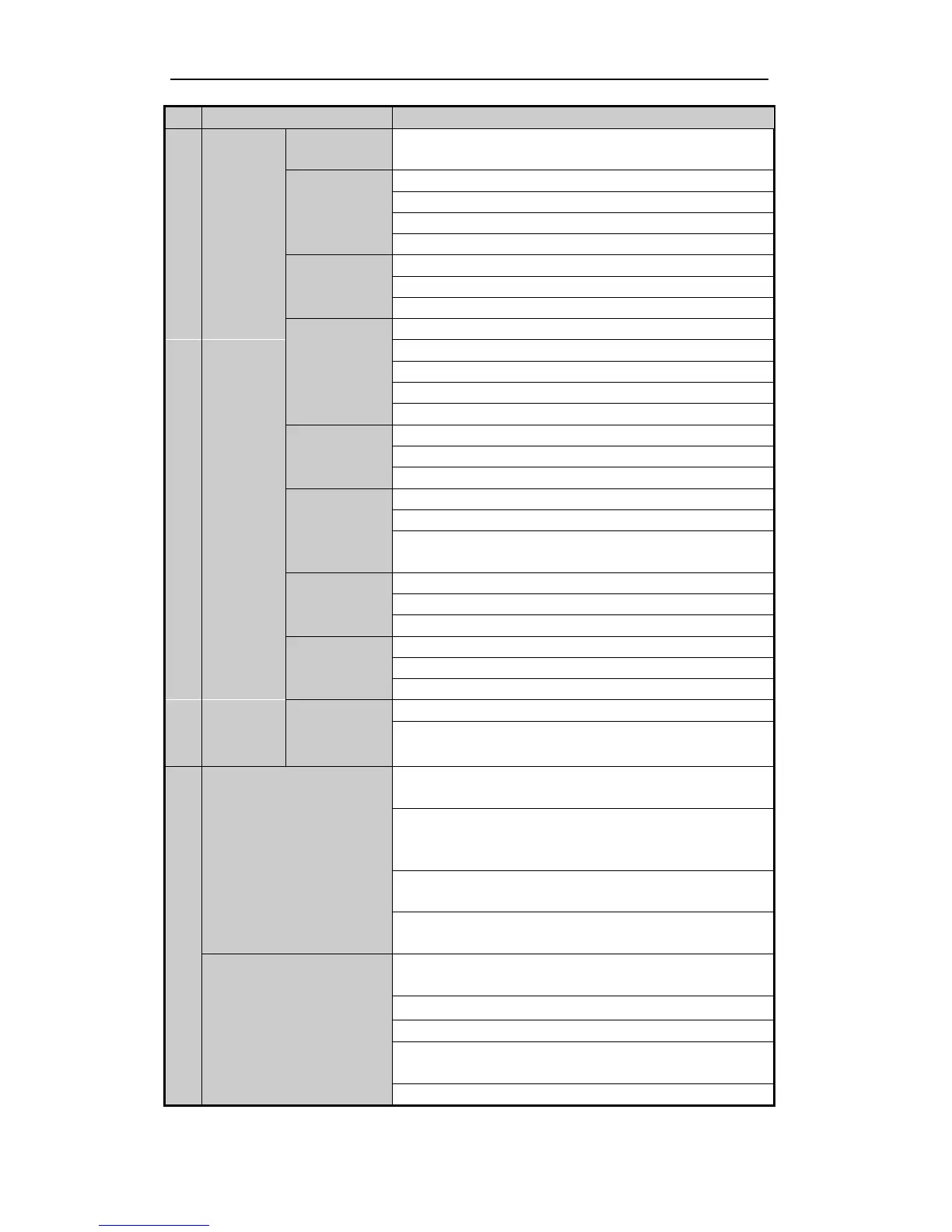
In live view or playback mode, the F1 button can be used to switch
between main and spot video output.
The F2 button is used to change the tab pages.
In PTZ control mode, it zooms in the image.
Exit and back to the previous menu.
Delete characters before cursor;
Check the checkbox and select the ON/OFF switch;
Start/stop record clipping in playback.
In Playback mode, it is used for direct access to playback interface.
Manual record, for direct access to manual record interface;
manually enable/disable record.
Access PTZ control interface.
Multi-channel display in live view.
Shift the input methods in the editing text field. (Upper and
lowercase, alphabet, symbols or numeric input).
The DIRECTION buttons are used to navigate between different
fields and items in menus.
In the Playback mode, the Up and Down button is used to speed up
and slow down recorded video. The Left and Right button will select
the next and previous record files.
In Live View mode, these buttons can be used to cycle through
channels.
In PTZ control mode, it can control the movement of the PTZ
camera.
The ENTER button is used to confirm selection in any of the menu
modes.
It can also be used to tick checkbox fields.
In Playback mode, it can be used to play or pause the video.
In single-frame Playback mode, pressing the button will advance the
video by a single frame.
In Auto-switch mode, it can be used to stop /start auto switch.



 To Next Page