User Manual of Digital Video Recorder
32
2.3 Adding and Connecting the IP Cameras
2.3.1 Adding the Online IP Cameras
Purpose:
The main function of the NVR is to connect the network cameras and record the video got from it. So before
you can get a live view or record of the video, you should add the network cameras to the connection list of the
device.
Before you start:
Ensure the network connection is valid and correct. For detailed checking and configuring of the network,
please see Chapter 9.1, 9.3and 9.4.
For the 4-ch device, 1-ch IP camera can be connected; and for other models, up to 2-ch IP cameras can be
connected.
OPTION 1:
Steps:
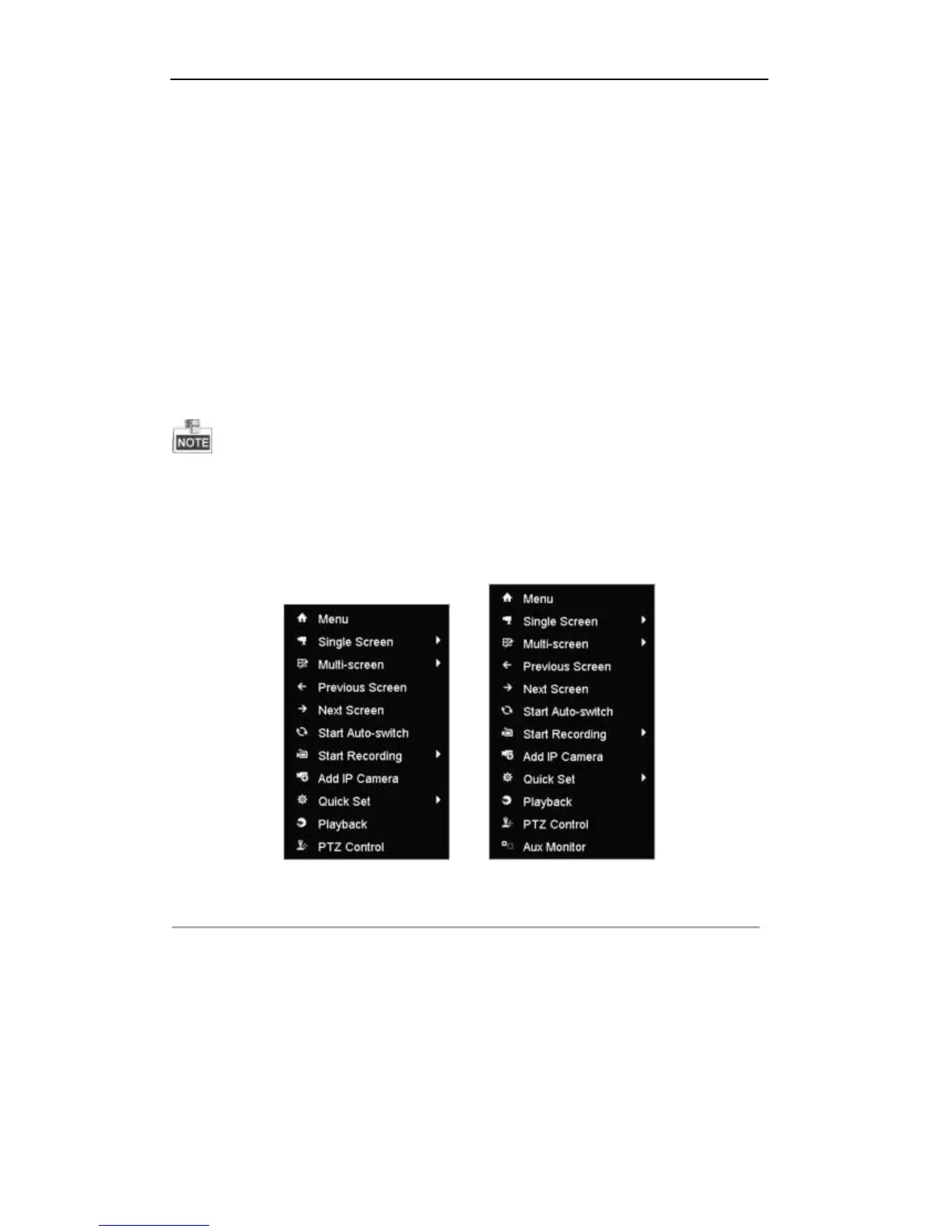
1. Right-click the mouse when you in the live view mode to show the right-click menu.
TVI-D1xxx and TVI-D2xxx Series TVI-D14xx and TVI-D24xx Series
Figure 2. 11 Right-click Menu
2. Select Add IP Camera in the pop-up menu to enter the IP Camera Management interface.



 To Next Page