User Manual of Digital Video Recorder
64
5.2 Configuring Record Schedule
Purpose:
Set the record schedule, and then the camera will automatically start/stop recording according to the configured
schedule.
Steps:
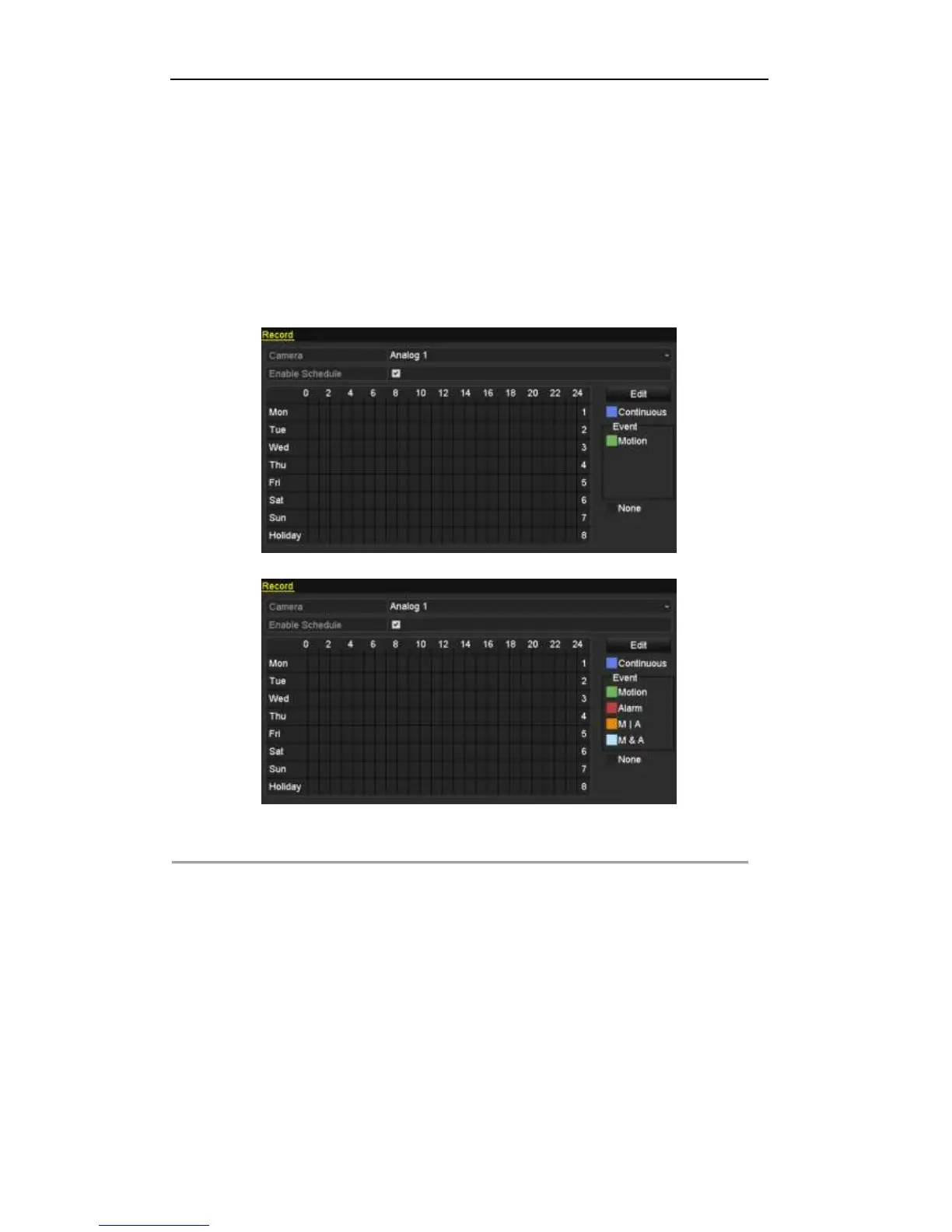
1. Enter the Record Schedule interface.
Menu> Record> Schedule
TVI-D1xxx
Other Models
Figure 5. 6 Record Schedule
2. Choose the camera you want to configure in the Camera dropdown list.
3. Check the checkbox of Enable Schedule.
4. Configure the record schedule.
Edit the schedule
1) Click Edit.
2) In the message box, you can choose the day to which you want to set schedule.
3) To schedule an all-day recording, check the checkbox after the All Day item.



 To Next Page