User Manual of Digital Video Recorder
75
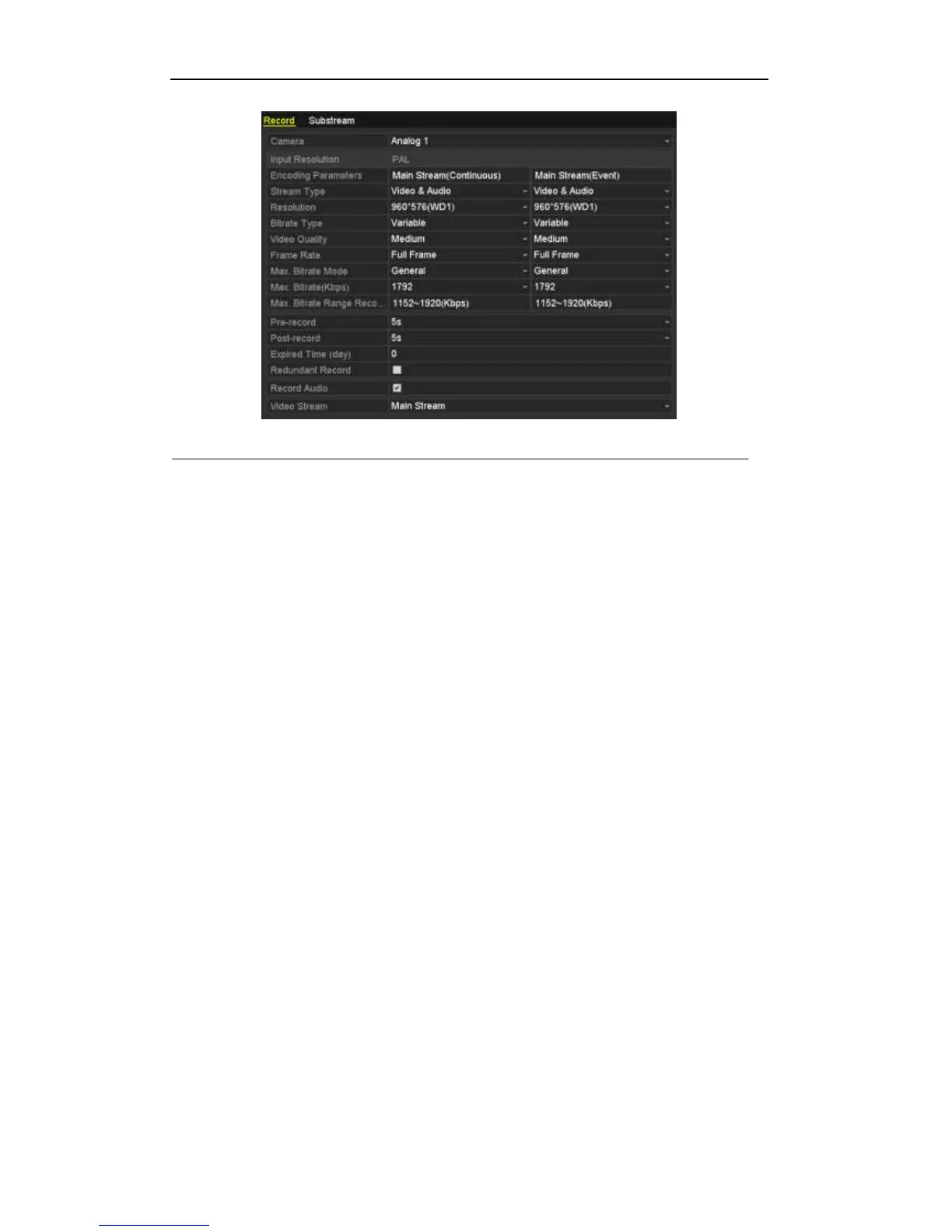
Figure 5. 26 Encoding Parameters
2) Select Camera you want to configure.
3) Check the checkbox of Redundant Record.
4) Click Apply to save settings.
If the encoding parameters can also be used to other channels, click Copy and choose the channel you want to
apply the settings.



 To Next Page