20
20
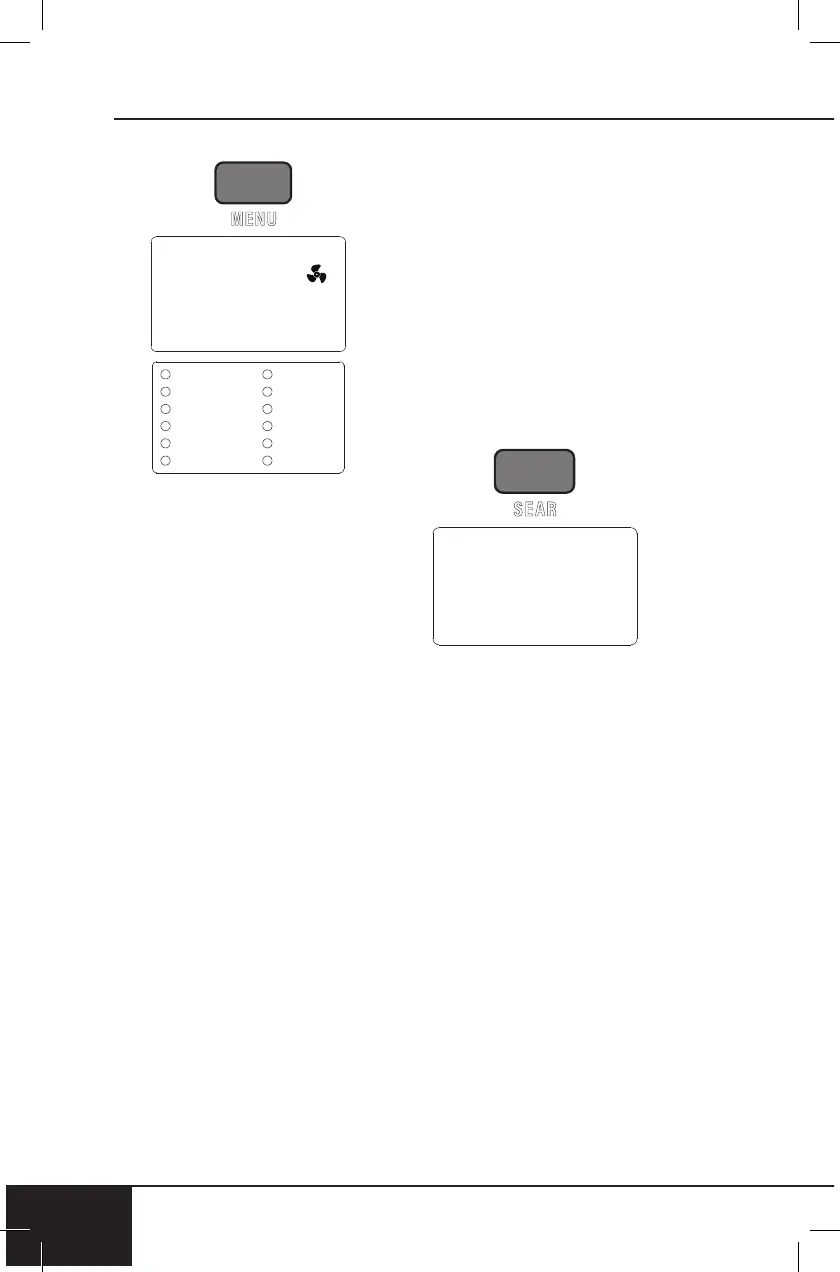
MENU
1. Press ON/OFF.
2. Press MENU. “Air Fry” will
be displayed.
3. To select from the menu
turn START/PAUSE or
press MENU.
4. Once desired menu is
chosen, press START/
PAUSE to begin cooking.
The cooking time will
be displayed.
• When the Bravo is
finished cooking, End will
be displayed and the unit
will beep three times.
• Turn START/PAUSE to
adjust temperature and
time, if necessary.
• You can adjust the
temperature and time
for any menu option with
a built-in preheat. (See
12 Preprogrammed
Menu chart.)
Notes:
• Some Menu options require
preheating. This step is
preprogrammed into each
1
Menu option that requires it.
Menus with built-in preheat
include “Air Fry”, “Bake”,
“Pizza”, “Frozen”, “Toast”,
“Broil”, “Grill”, and “Roast”.
• Once preheat temperature
is reached, the Bravo will
beep, 5 will be displayed,
and a 5-minute countdown
will begin.
SEAR: Default — 450F (232C),
5 minutes.
SEAR 1
This is set to default BEFORE
the regular cooking stage.
1. Press ON/OFF.
2. Press SEAR once, 1 will be
displayed.
3. Press START/PAUSE.
SEAR 1 will be displayed,
colon (:) will flash.
• The unit will cook at
450F (232C) for 5 min.
(SEAR 1), cook at
350F (177C) for 15 min.
(default), display End,
and beep three times,
indicating that your
cooking is complete.
Note:
• Regular cooking stage
temperature and time can be
adjusted by turning START/
PAUSE after Step 1.
450F


 To Next Page