Hardware Installation
Installation and initialization of ConnectX-5 adapter cards for OCP Spec 2.0 require attention to the
mechanical attributes, power specification, and precautions for electronic equipment.
Safety Warnings
Unable to render include or excerpt-include. Could not retrieve page.
Installation Procedure Overview
The installation procedure of ConnectX-5 adapter cards for OCP Spec 2.0 involves the following steps:
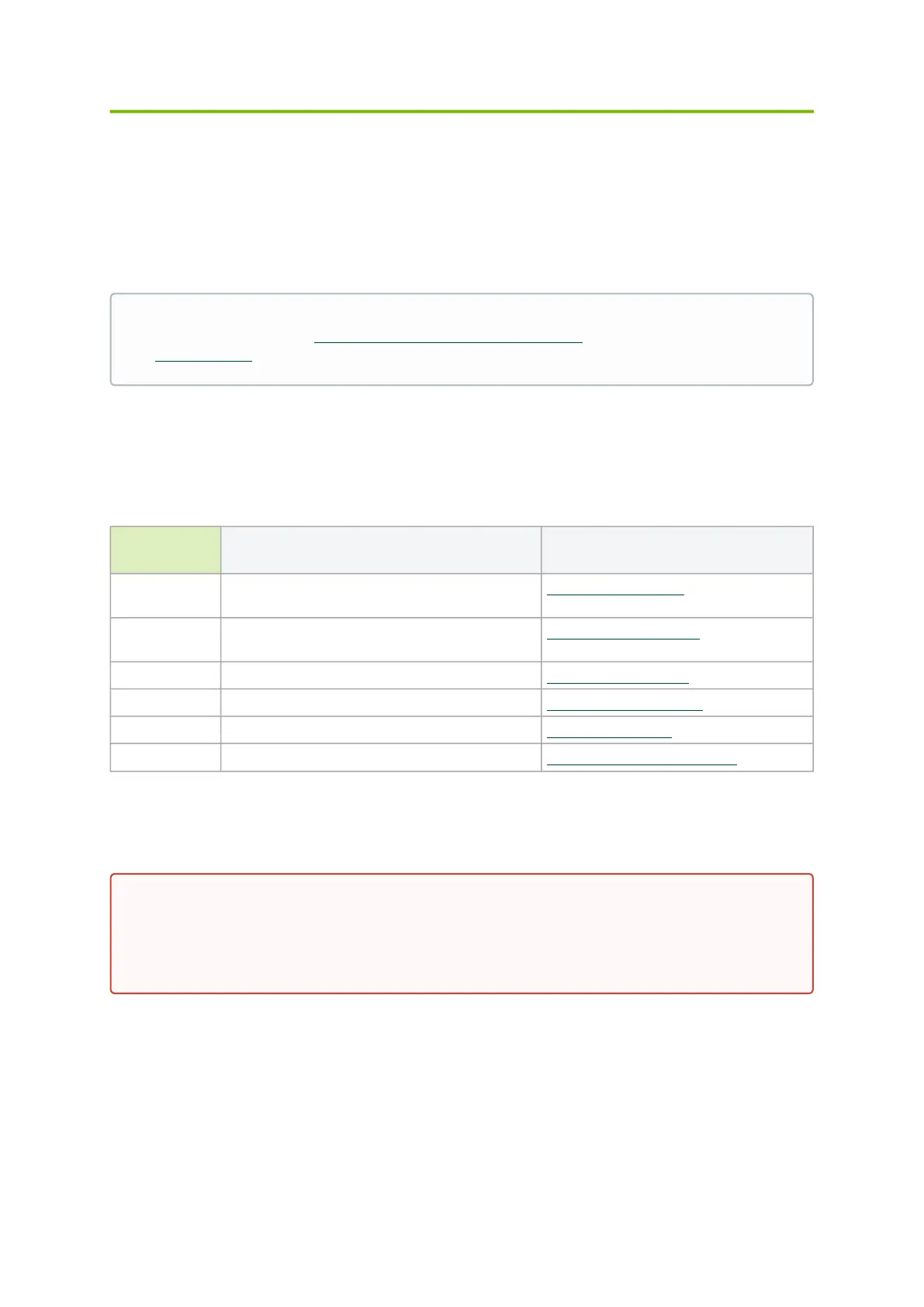
Step Procedure Link
1 Check the system’s hardware and software
requirements.
System Requirements
2 Pay attention to the airflow consideration within
the host system.
Hardware Requirements
3 Unpack the product. Unpacking the Product
4 Install the adapter card in the system. Adapter Card Installation
5 Connect cables or modules to the card. Cables and Modules
6 Identify ConnectX-5 adapter card in the system. Identify the Card in the System
System Requirements
Safety warnings are provided here in the English language. For safety warnings in other
languages, refer to the Adapter Installation Safety Instructions document available on
mellanox.com.
Unless otherwise specified, Mellanox products are designed to work in an environmentally
controlled data center with low levels of gaseous and dust (particulate) contamination.
The operation environment should meet severity level G1 as per ISA 71.04 for gaseous
contamination and ISO 14644-1 class 8 for cleanliness level.


 To Next Page