14
13
4.OPERATION AND USE
4.OPERATION AND USE
3-2 The operation of timing setting
Click the timing set button timing setinterface.② to enter
Button function
Click this button to start or end
timing start setting function
Start: green
End: gray
Open: red
End: gray
Click this button to start or end
t i m i n g end s ettin g funct ion
Button color
Timing starbtu tton
Timing on setting
Timing end button
Timing off setting
Click to set end time of the timing
NO.
①
②
③
④
Click to set start time of the timing
Name
When the timer was starting,the clock button is green in the main interface
①
② ③ ④
②
(4) Silent setting and silent timing setting
as follows:
Click the silent setting button ,and the interface displays
4-1 The silent button
①
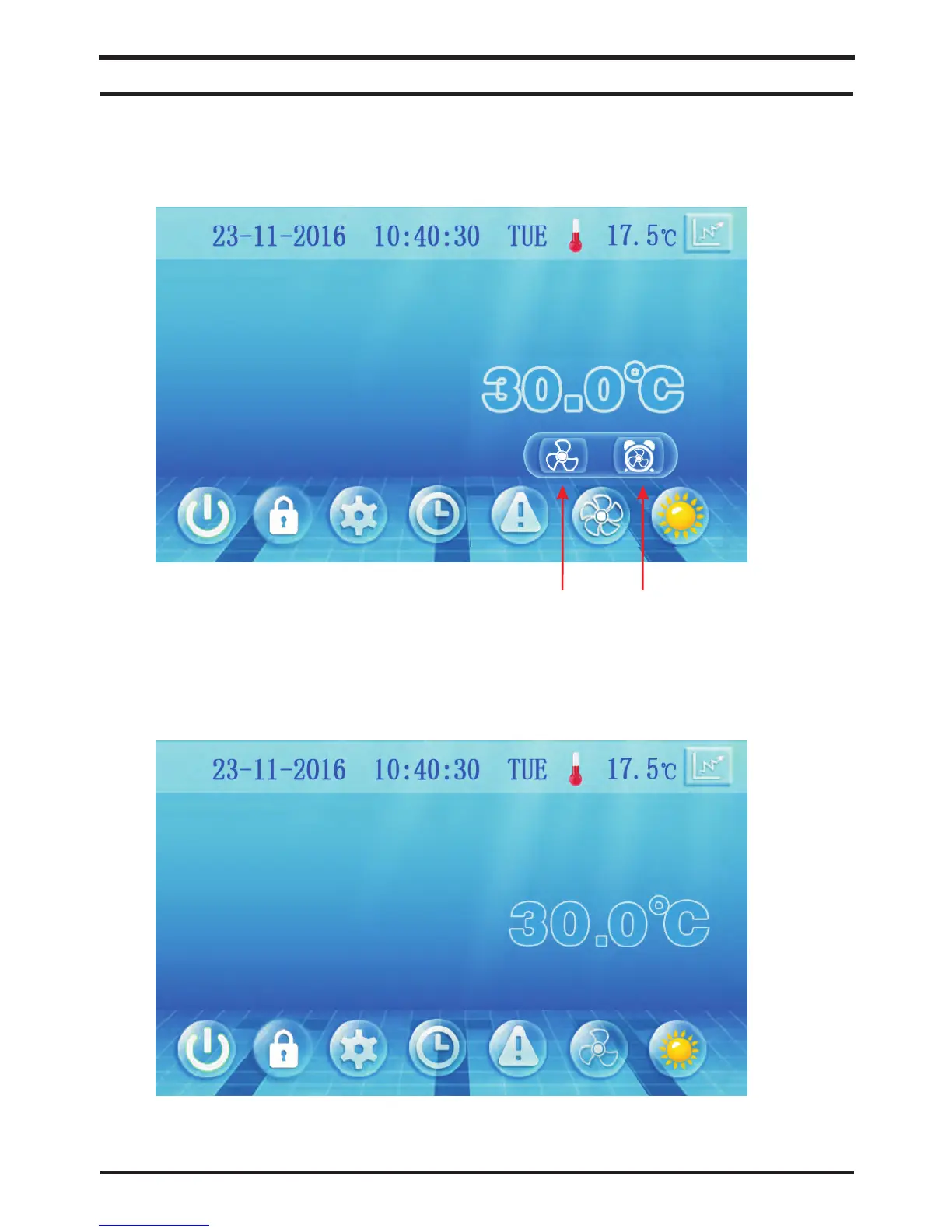
Click the silent button , the unit will enter the silent mode,
and interface displays as follows:
①
Click the silent button again, to exit the silent mode.①



 To Next Page