EasyManua.ls Logo

Oberheim Matrix-6 - 17 P MAP ECHO - Patch Map Echo

Oberheim Matrix-6
28 pages
Print Icon
To Next Page IconTo Next Page
To Previous Page IconTo Previous Page
Loading...
HOW
TO
USE
PATCH
MAPPING
"a
*•um»»■-
"^
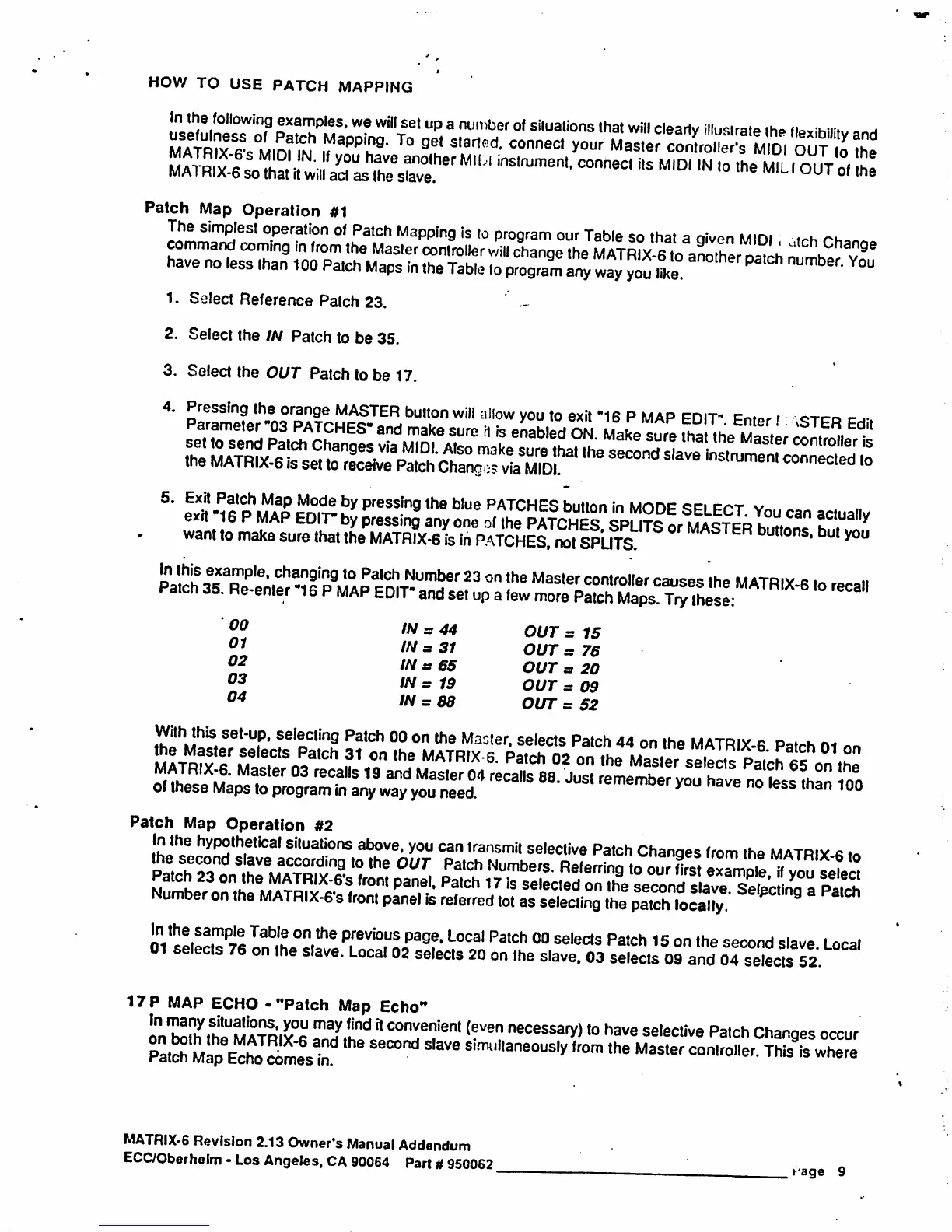
Patch
Map
Operation
1.
Select
Reference
Patch
23.
'
.-
2.
Select
the
/Ar
Patch
to
be
35.
3.
Select
the
OUT
Patch
to
be
17.
4.
Pressing
the
orange
MASTER
button
will
allow
you
to
exit
"16
P
MAP
EDIT"
33S£5£JS
l
03
04
IN
=
31
IN
s
65
IN
s
19
IN
=
88
OUT
s
15
OUT
s
76
OUT
=
20
OUT
s
09
OUT
s
52
Patch
Map
Operation
#2
i
17P
MAP
ECHO
-
"Patch
Map
Echo"
on
tolh
lhLUMA™y°R
rawy,h"d
*
co™ei?ienl
<?ven
"pessary)
to
have
selective
Patch
Changes
occur
^
™^
SeC°nd
Sl3Ve
Simi"laneous*ffom
th
M^
«
Map
?
tch
Changes
occur
Simi"laneous*ffom
the
M^
««««*.
Thiste
where
MATRIX-6
Revision
2.13
Owner's
Manual
Addendum
ECC/Oberhelm
-
Los
Angeles,
CA
90064
Part
#950062
»-'age
9

Other manuals for Oberheim Matrix-6

Related product manuals