11
61602101900
An override time will be displayed on the right side of the
screen. You can change the override time in 15-minute
increments by pressing the arrows below the time. When you
have completed your changes, press DONE.
NOTE: If the schedule is already set to HOLD or HOLD UNTIL,
the Until option will not be shown on this screen.
Cooling
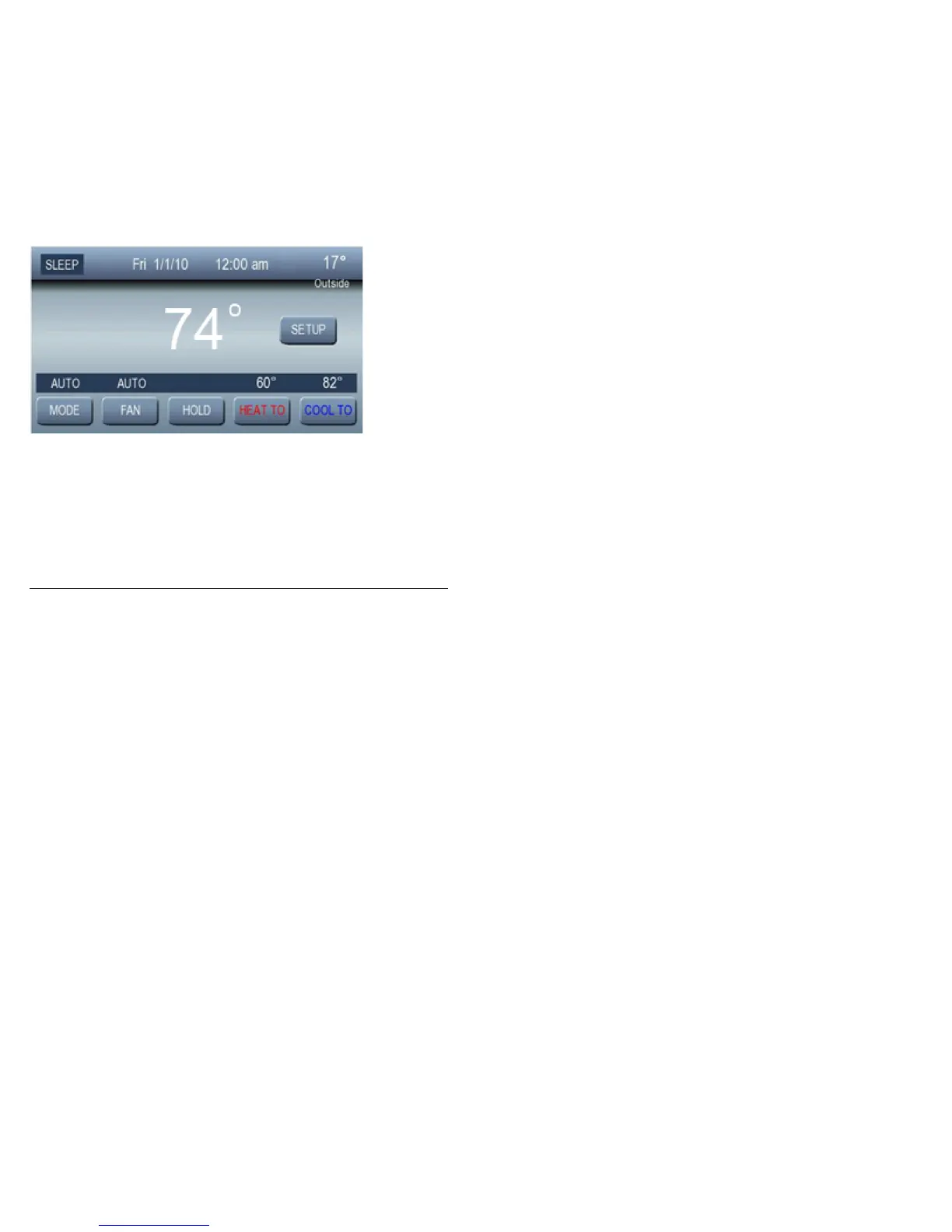
To change the cooling set point, press COOL TO;thenusethe
arrow buttons to set the desired temperature.



 To Next Page