15
61602101900
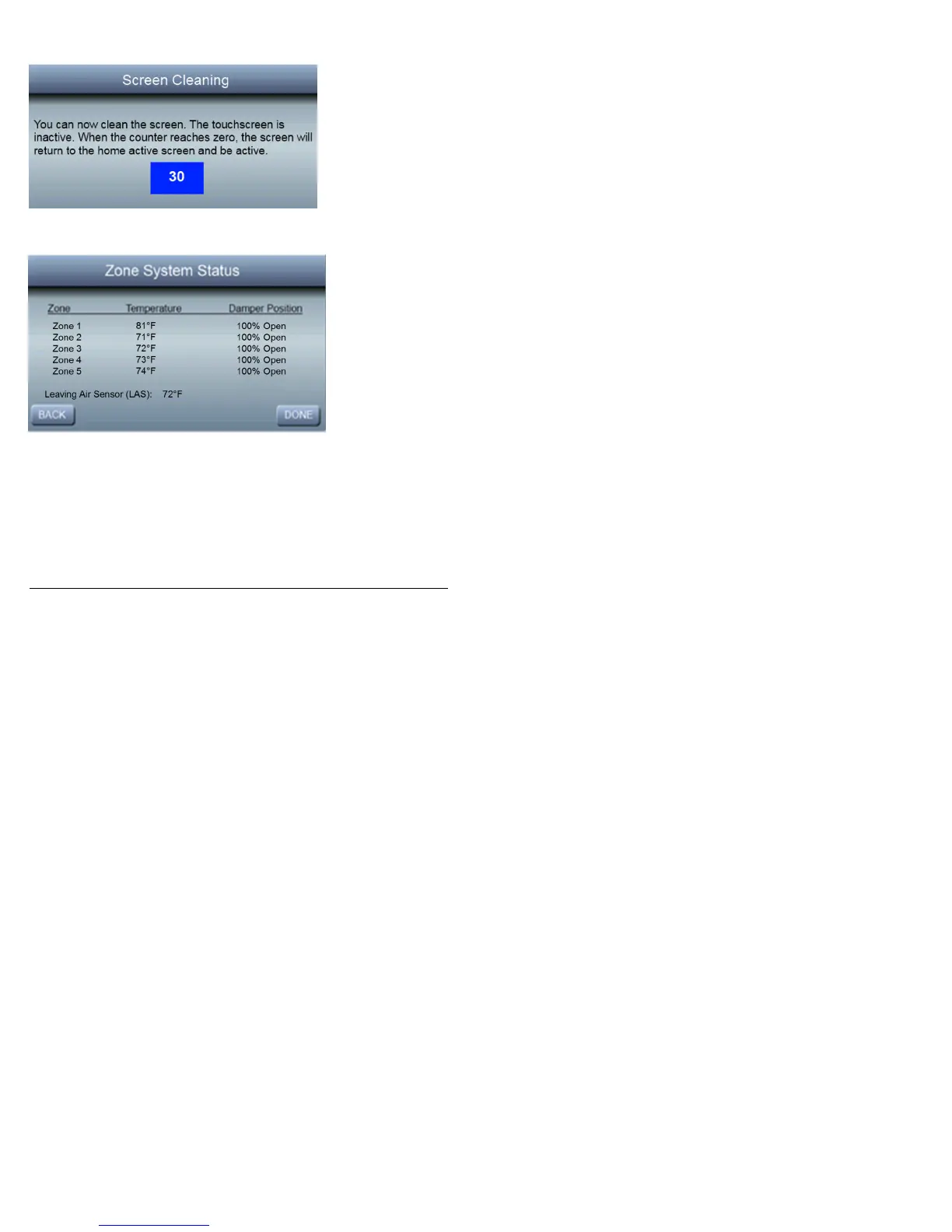
the display without changing settings. After 30 seconds, the
screen will return to the main screen and become active.
Zone Status
To view the status of each zone, press Zone Status to see the
current Temperature and Damper Position for each of your
installed zones. In addition, the current temperature from the
Leaving Air Sensor will also be displayed on this screen.



 To Next Page