34
616 02 1019 00
Reminders
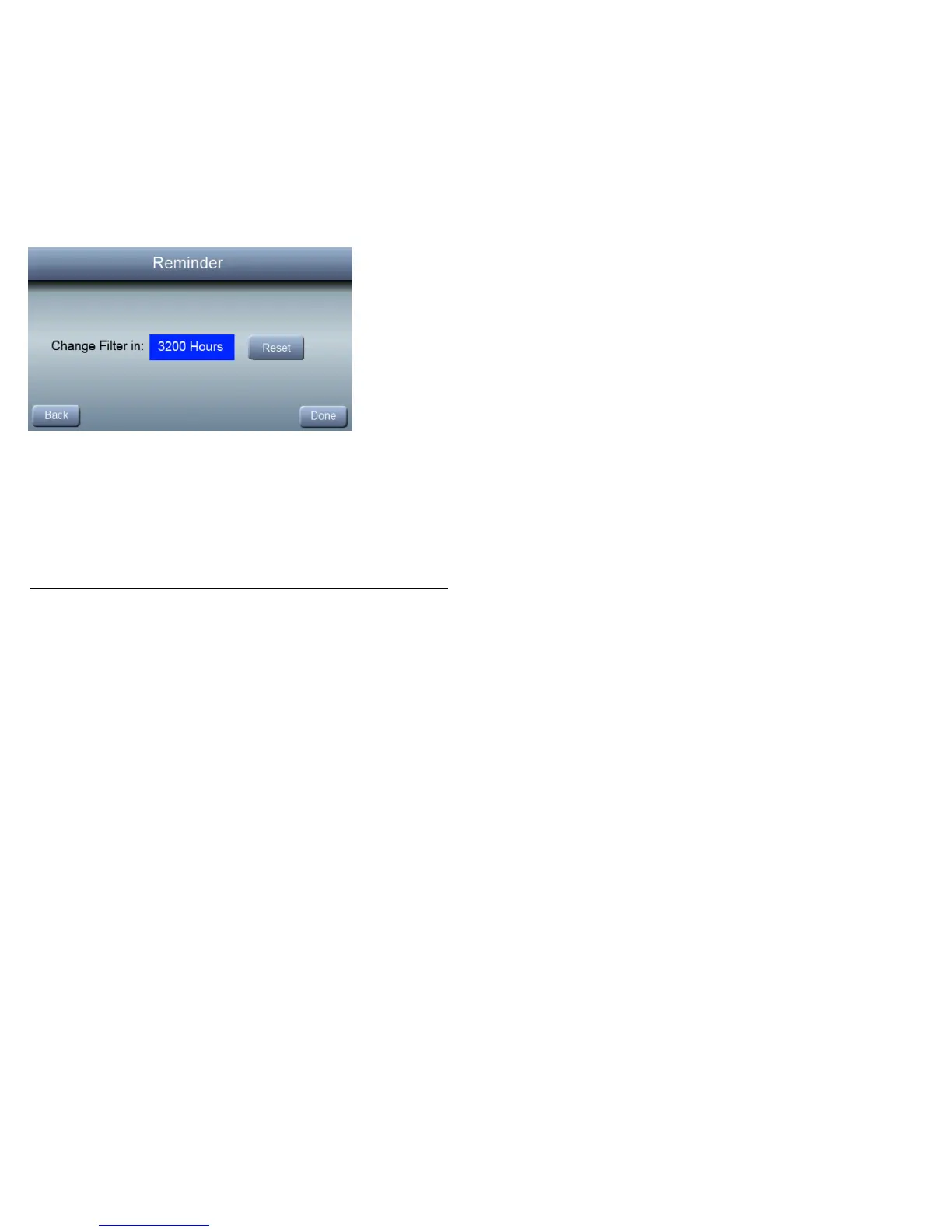
Reminder messages alert you to when it is time to replace your
filter. The reminders will be sent after the number of hours of
system operation shown on this screen. For example, if you
have your fan set for continuous operation (Fan Mode = On,
Low, Med, or High) the fan will operate for approximately 720
hours per month. When your alert appears on the screen, press
the REMINDER button. After you have replaced your filter hit
the RESET button to start the clock on your next replacement.
After you press RESET,pressDONE to return to normal
operation.



 To Next Page