29
61602101900
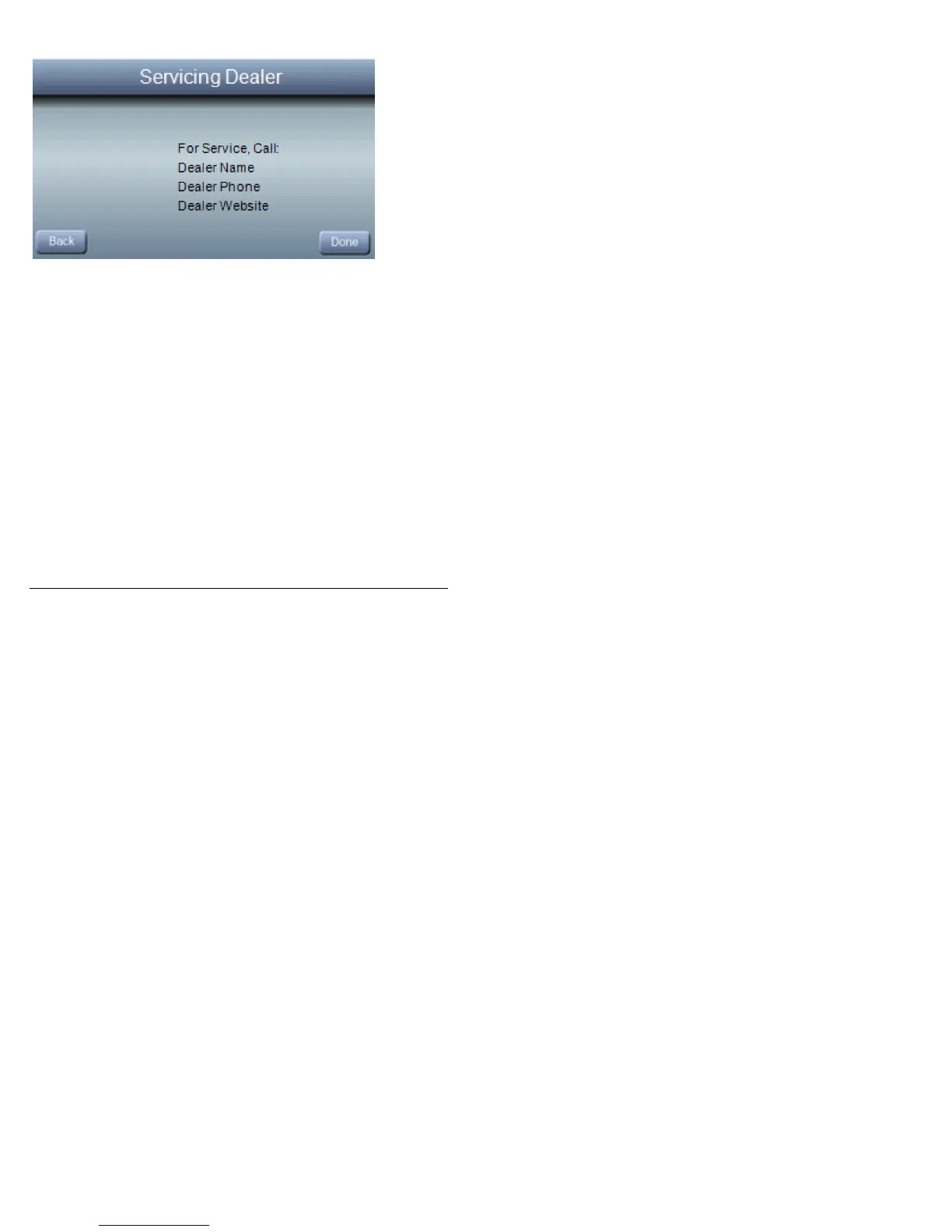
Dealer Info
Upon installation of your Observer
®
Control, your Servicing
Dealer has the option of inserting their contact information into
the wall control for your convenience. This information can
include the Servicing Dealers name, phone number and
website (if applicable). PressDealer Info from the Basic Setup
screen to view the contact information for your Servicing
Dealer.
NOTE: If your dealer has provided their email address, you will
have the option of sending email Notifications, directly from the
Observer
®
wall control to your dealer. See the Quick Start
guide provided with your Observer wall control for more
information on registering your Observer wall control for
remote access.



 To Next Page