3
61602101900
Introduction
CONGRATULATIONS! Your decision to choose the
Observer
r Control puts you in a select group of homeowners
who understand the value of precise comfort control and
appreciate the simplicity of an easy-to-use, intuitive, control.
Your new Observer Control offers high quality comfort
technology. Please take a few moments to review this manual.
Set up a comfort schedule that makes sense for your lifestyle;
register for remote access; then relax and enjoy the new
comfortofyourhome!
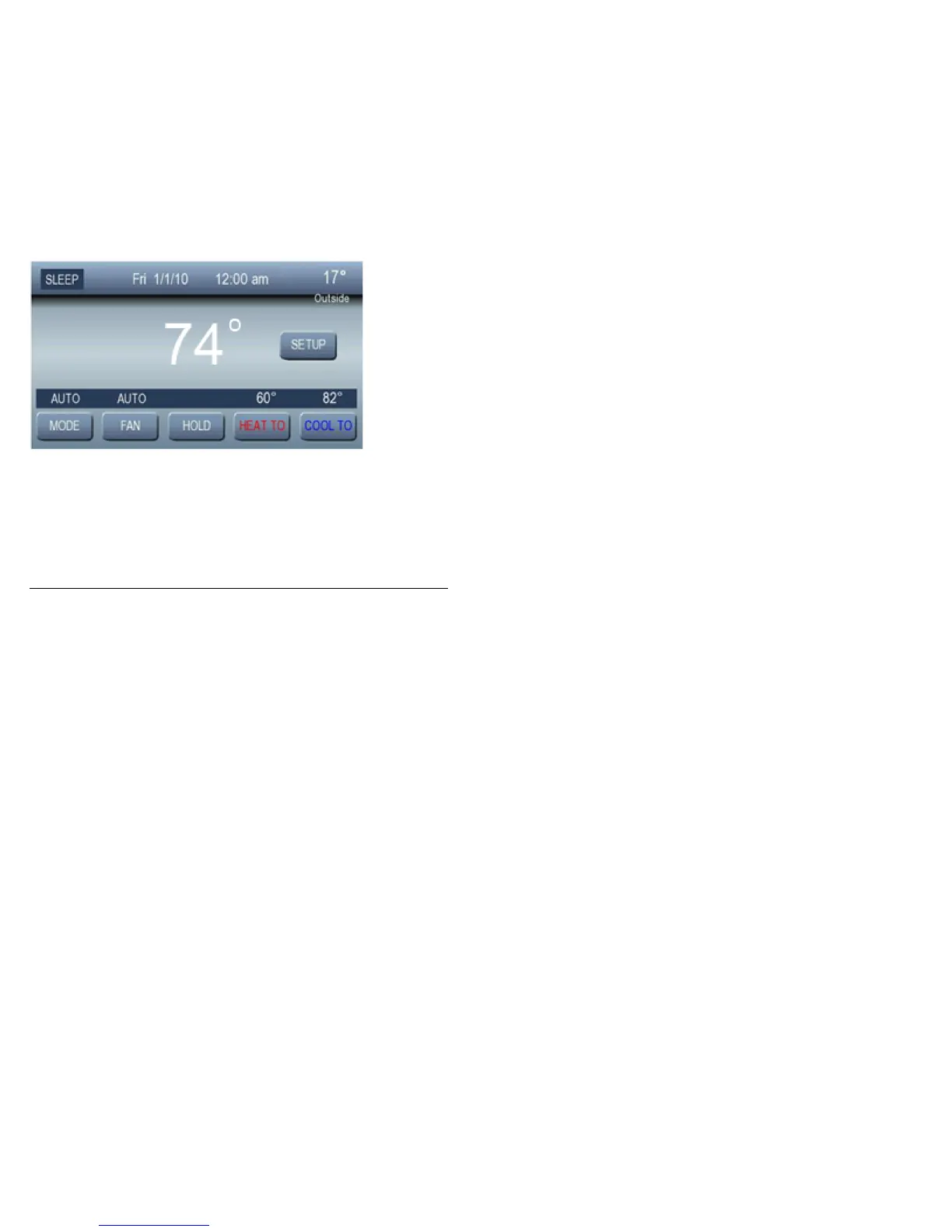
Home Screen
The basic information displayed on the Home Screen consists
of the following:
Current schedule period: WAKE, DAY, EVE, or SLEEP
Date and time
Room temperature (Zone specific if applicable)
Room humidity



 To Next Page