4
616 02 1019 00
Actual Outdoor temperature (if applicable)
System mode: OFF, HEAT, COOL, AUTO or EMHT (if
applicable)
Fan mode: AUTO, LOW, MED or HIGH (is applicable)
Heat To setting (Zone specific if applicable)
Cool To settings (Zone specific if applicable)
Set Day and Time
A14558
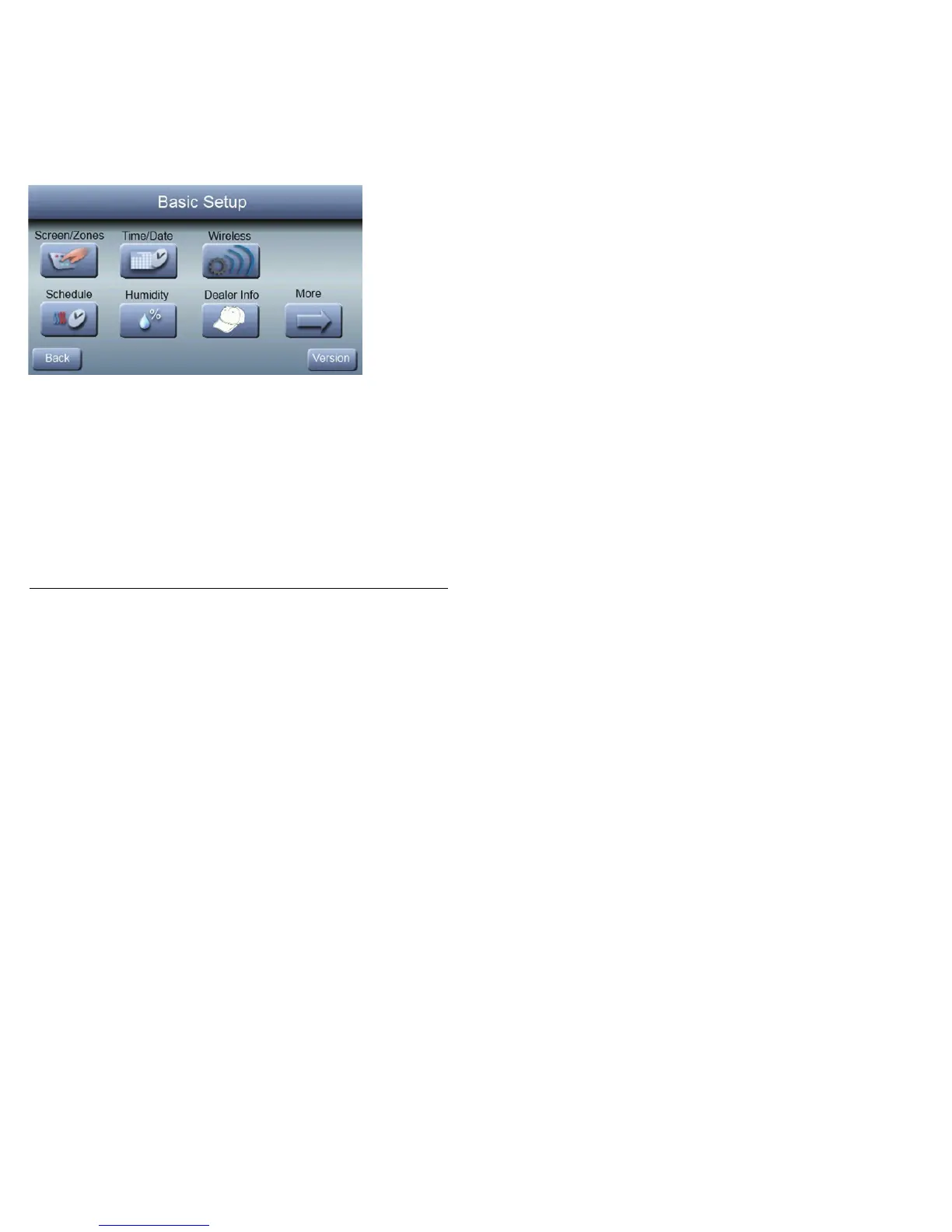
To set the current time and date, press SETUP from the HOME
Screen; then press TIME/DATE.



 To Next Page