14
616 02 1019 00
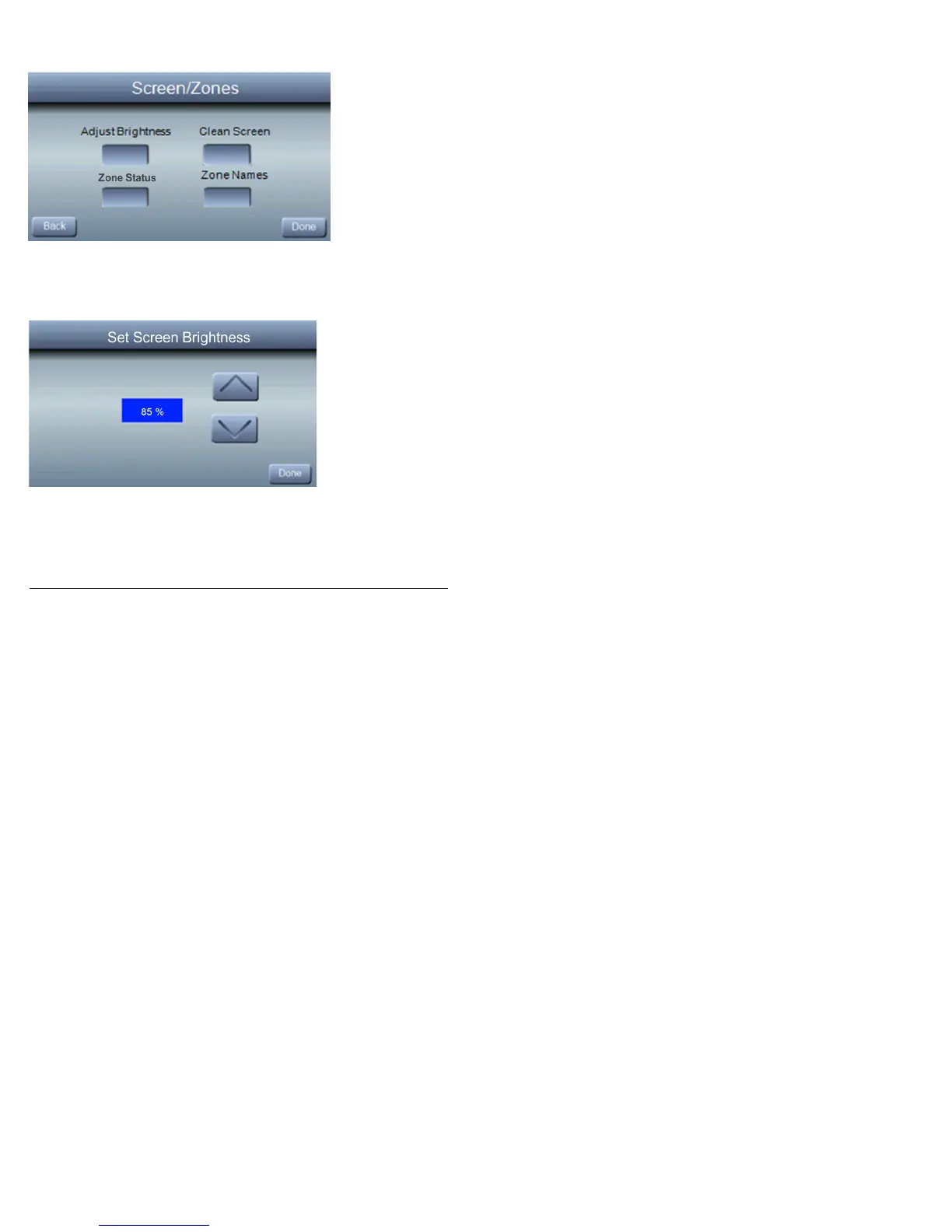
Screen/Zones
From the BASIC SETUP screen; press SCREEN/ZONES.
From this screen, you will have the option to adjust the screen
brightness by pressing the ADJUST BRIGHTNESS button.
Use the ▲ and ▼ buttons to select your desired screen
brightness. Press DONE to return to normal operation.
To clean your screen, press the CLEAN SCREEN button. The
screen will remain locked for 30 seconds to allow you to clean



 To Next Page