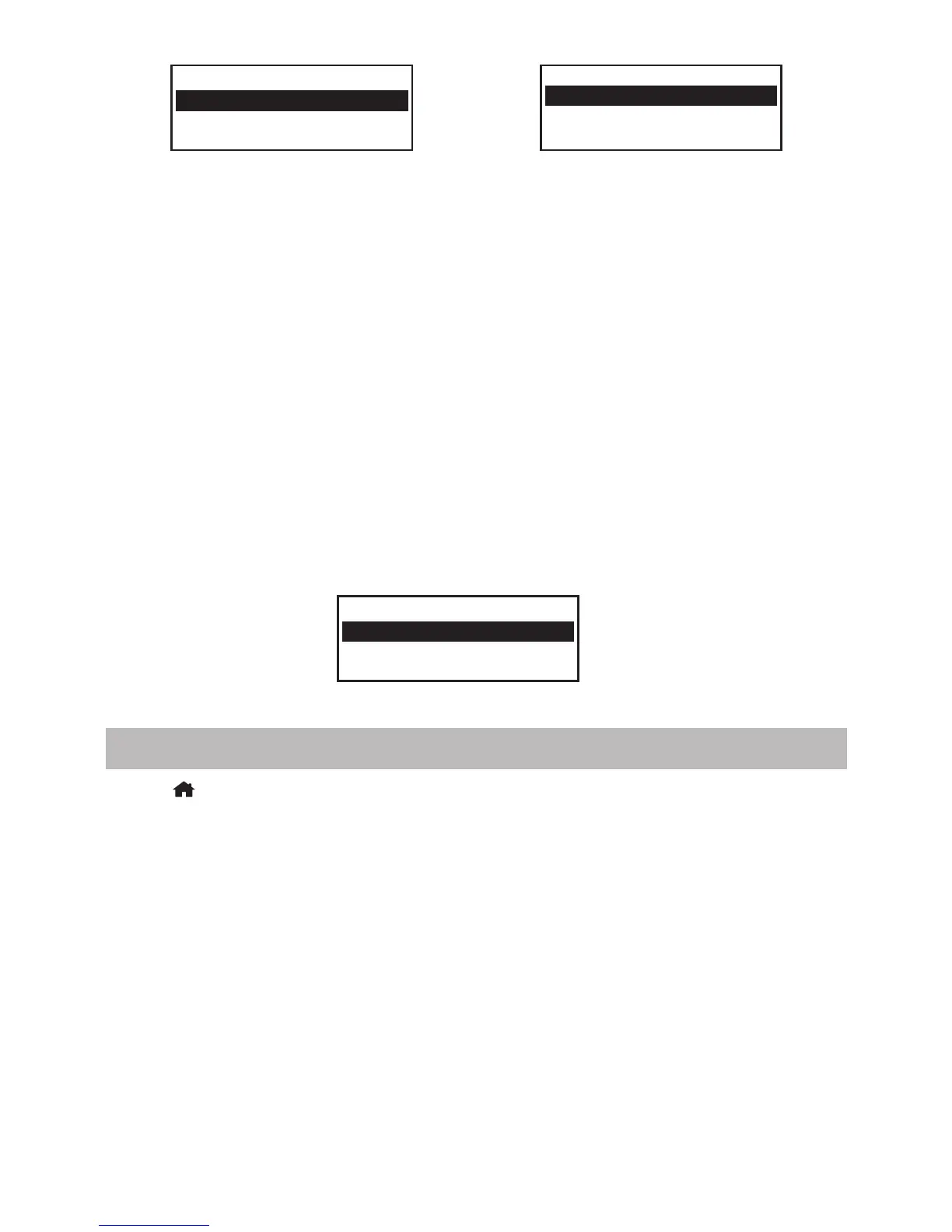
Add AP(Scan)
Remove AP
Add/Remove AP
AP:[ ]
My Favourite
Internet Radio
1/3 >
• It will start scanning the availble Wi-Fi networks around. Scroll to your
network and press [ OK ] to confirm. If your wifi network has a password
protected, it will ask you to enter the passphrase / password.
Here are the steps to enter the password.
Use the [▲/▼] button to scroll through the characters. When the correct
one is highlighted, press the [►] button to input the next character. When it
comes to the last character of the password and it is highlighted, press
[OK] to confirm.
Note: The password is case sensitive. Please consult with the one
who set up your network if you don't know the password.
When the Wi-Fi connection is successful, the Association Complete will be
shown briefly. It will then display the main menu as follow:
Overview of features and functions
Press to enter the main menu. Scroll by [▲/▼] buttons and OK to
select:
My Favorite - To show the list of favorite stations which have been
assigned to the presets.
There are up to 99 presets available.
Internet Radio - Start exploring the worldwide radio stations and music
here.
Media Centre - You can browse and stream music from your network via
UPnP or DLNA Compatible devices.
DAB Radio - Pick up DAB+ and DAB radio signal if available in your local
area (no internet connection required).
FM Radio - Receive ordinary FM radio stations in your local area (no
internet connection required).
- 5 -















 To Next Page