- 9 -
All user input is information that the Radio uses to
provide the desired audio entertainment and pressing
the Dial/Select knob a confirmation and go to command.
Once a desired selection is displayed or highlighted the
selection is confirmed by pressing and releasing the
Dial/Select knob.
The Dial/Select control knob is also used for navigating
LCD displays and lists by rotating clockwise (CW) or
counter clockwise (CCW) to change or highlight
information displayed on the LCD screen.
The front panel Move Forward ( ► ) and Move Back ( ◄)
buttons can also be used to move to the next or back to
the previous display but all Selections must be
confirmed by pressing and releasing the Dial/Select
knob.
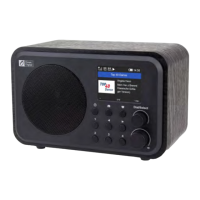
Buttons labeled one through four on the front panel can
be used for directly and easily selecting one of the first
four audio sources in the My Favorite list with no
confirmation required – just press and go.
Buttons one through 4 can also be used to save ( )
directly into one of the first four locations in the My
Favorite list when a favorite audio source is playing –
just press and hold the button until the Preset symbol
( ) is displayed.
4/ Choosing functions and options













 To Next Page