Installation
Page 32
4.1 What’s in the box?
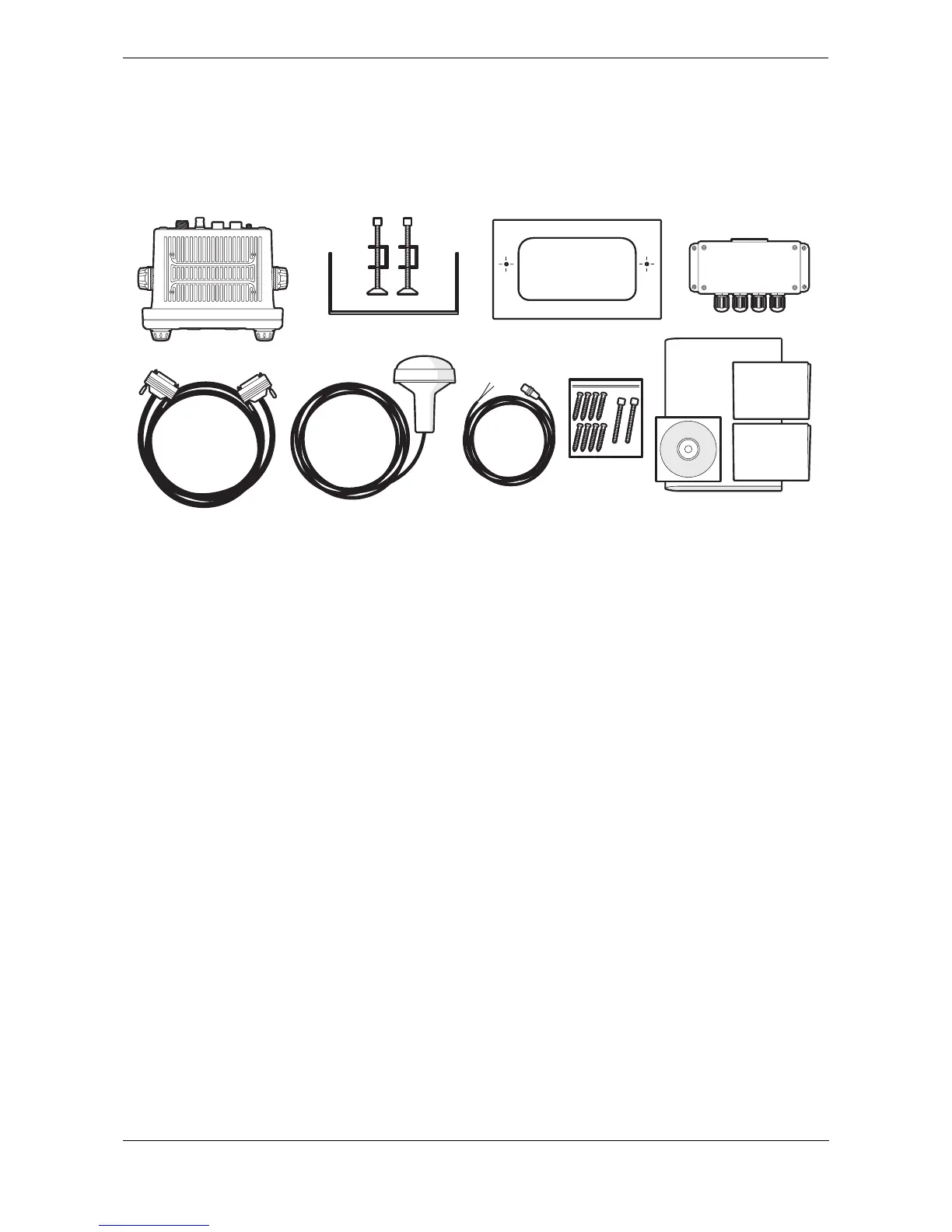
Figure 31 shows the items included with your AIS transceiver purchase. The following section gives a brief
overview of each item. Please ensure all items are present and if any of the items are missing please contact
your dealer.
Figure 31 What’s in the box
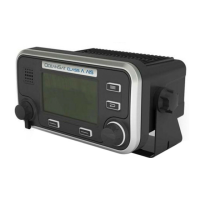
● Oceansat Class A AIS transceiver/Inland AIS
The main transceiver and display.
● Data cable
A 1m (3.3ft) long, 50 way data cable to connect the transceiver serial data ports to the junction box.
● Junction box
Provides screw terminals for the data connections to ships sensors and display systems.
● Power cable
A 2m (6.6ft) long power cable to supply the transceiver. The power cable also include alarm output
connections.
● Trunnion bracket
Bracket for mounting the transceiver above a flat surface (e.g., on top of an instrument panel).
● Panel mount brackets
Clamp brackets used when mounting the transceiver through a panel (flush mount).
● Fixing screws
Eight fixing screws are provided for mounting the transceiver (when using the trunnion bracket) and
the junction box.
● User and installation manual
This document - please read thoroughly before attempting to install and commission the transceiver.
● Quick start guide
The quick start guide gives a handy one page reference for the installation process.
● Support tools CD
Contains software tools for configuration of the AIS transceiver and software upgrade.
● Mounting template
Template for cutting an aperture when panel mounting the transceiver.


 To Next Page