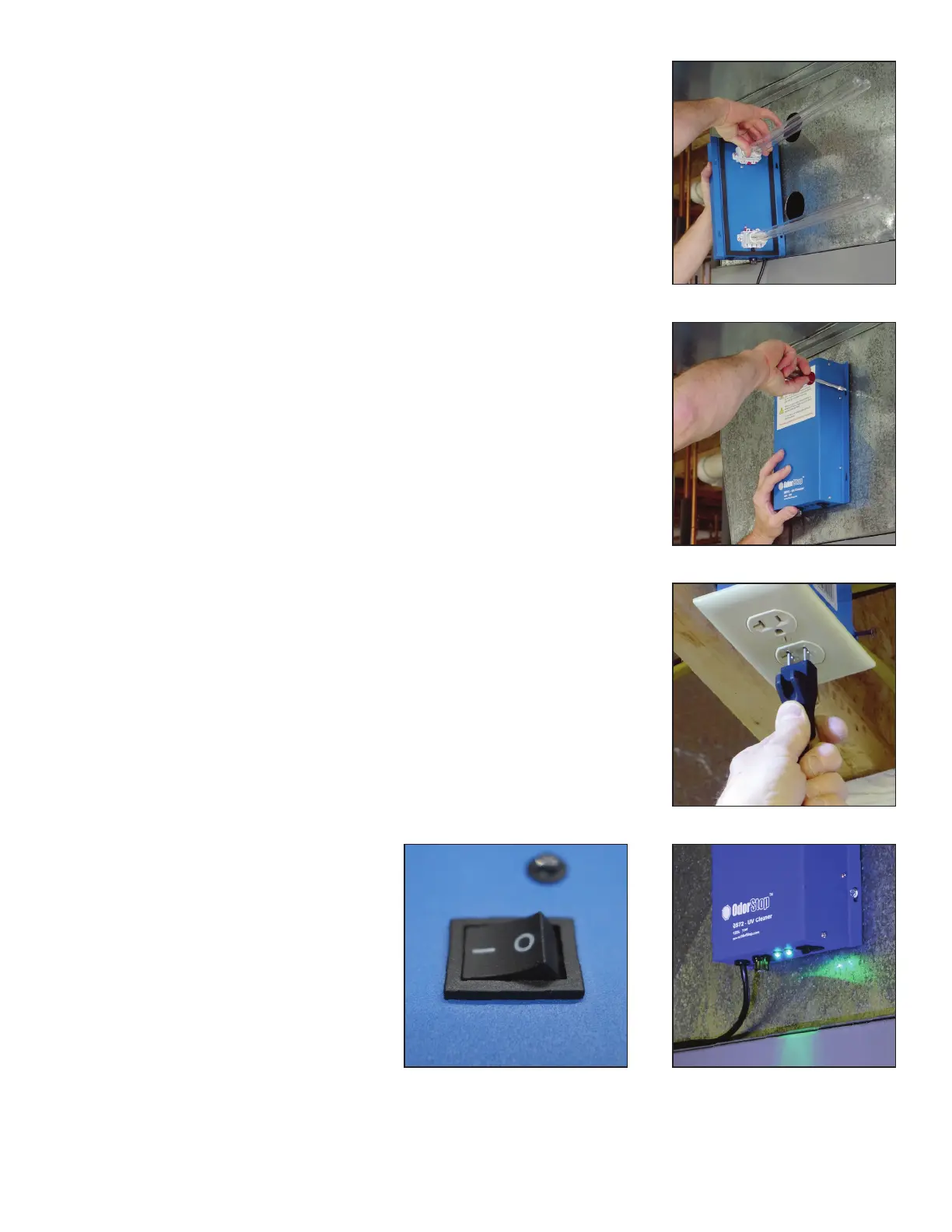
5. Install the bulb in the unit by sliding the bulb in from the outside until
the bulb snaps into place. Insert the unit into the metal duct work. If
youtouchthebulbwithyourhands,useaclothtowipeanyngerprints
from the bulb(s).
6. Attach the unit to duct work with the supplied 4 sheet metal screws
usinga¼”nutdriver.Makesuretotightenscrewsevenly.Theunithas
a factory installed gasket that ensures a tight seal between the unit and
theductwork.Besuretheunitisatagainsttheductworkonallsides.
CAUTION:DONOTOVERTIGHTENSCREWS.
7. Plug the unit into a grounded 120 volt power outlet.
8. Turn unit on and verify that the
LEDindicatorlight(s)locatednear
theon/oswitchis/areilluminated.
The switch is in the on position
when the solid line on the switch
ispresseddown.IfthegreenLED
light(s) are not illuminated, see
troubleshooting section.
4


 To Next Page