EN
Viewing Photo
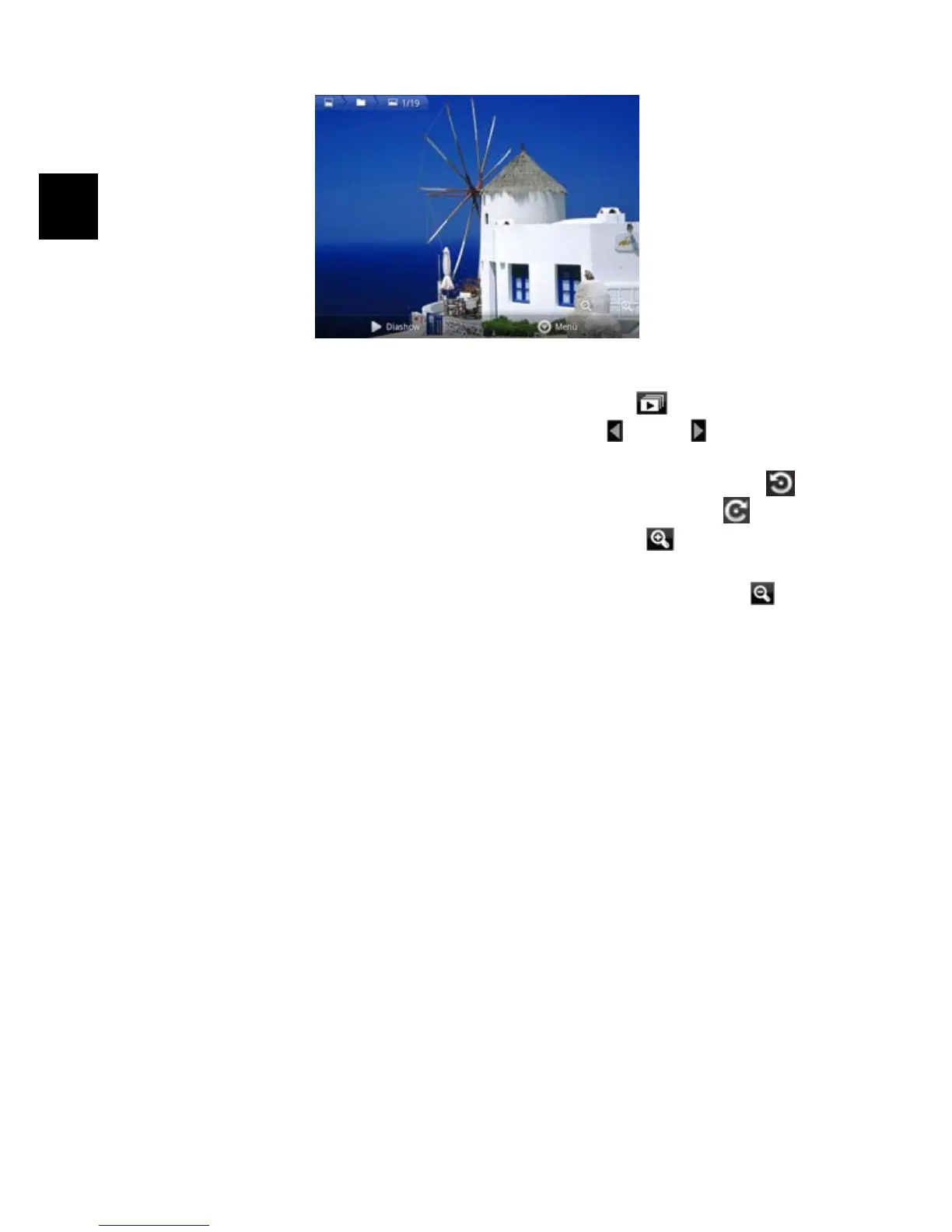
When you are viewing picture, you can tap on the screen to show a floating
toolbar at the bottom of the screen.
y To start/pause a slideshow, tap on the Slideshow icon .
y To display the previous/next picture, tap on the left / right arrow
beside the picture.
y To rotate the picture 90° counterclockwise, tap on the Rotate Left icon .
To rotate the picture 90° clockwise, tap on the Rotate Right icon
.
y To magnify the current picture, tap on the Zoom In icon . When the
picture is enlarged, you can drag the picture vertically or horizontally to move
the picture. To decrease the picture size, tap on the Zoom Out icon
.



 To Next Page