EN
System Settings
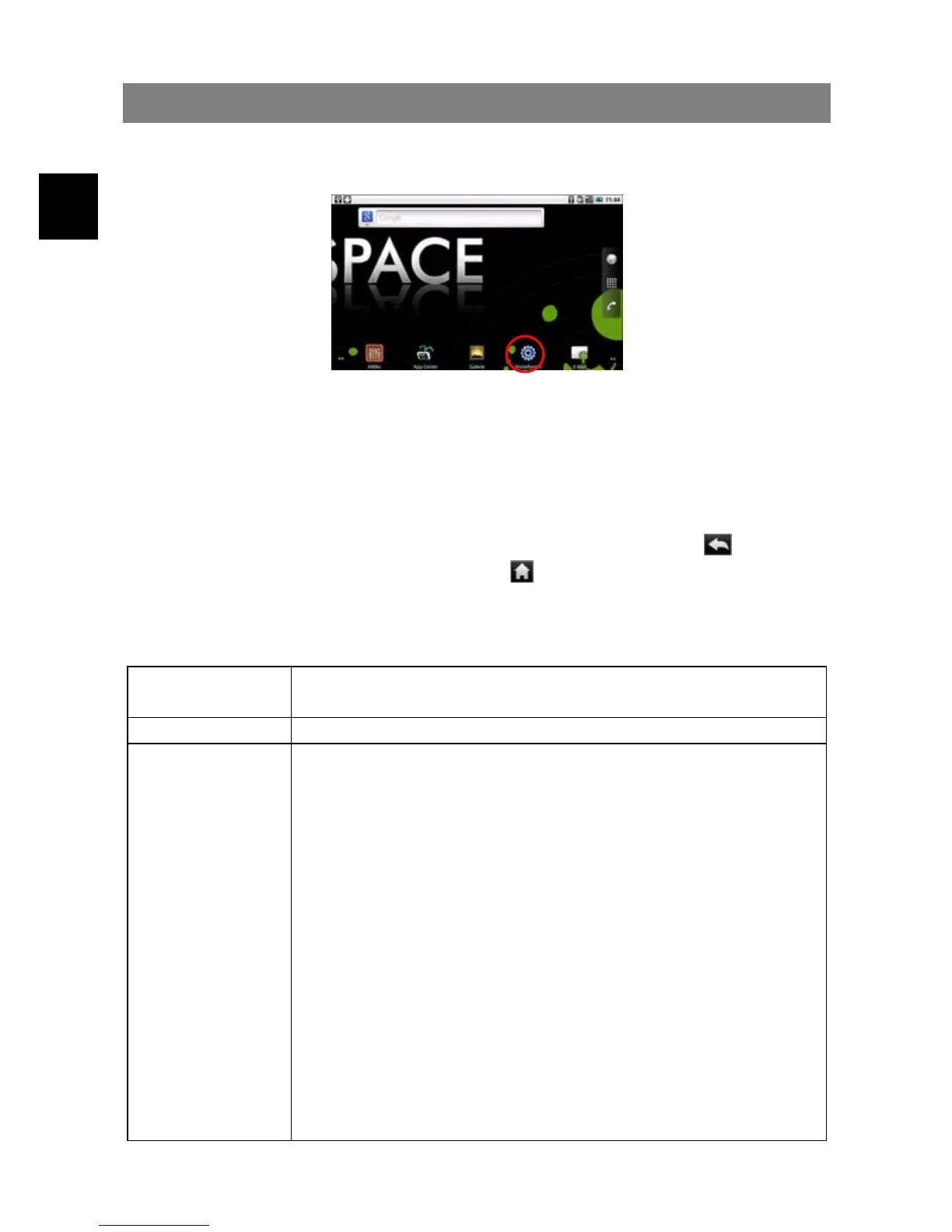
In the Home screen, tap “Settings” and choose a category: “Wireless & Networks,”
“Sound & Display,” “Date & Time,” etc.
y When a down arrow appears on the right of a parameter, this means that this
setting includes sub-parameters. Tap it to display the list of sub-parameters.
y When a check box appears on the right of a parameter, tap it to enable or disable
this option.
y When it is possible, you can use your finger to scroll the screen up and down to
reveal settings that you don’t initially see.
y When you have finished adjusting your settings, tap the Back icon
to go back
to the list of settings, or tap the Home icon
to go directly to the Home screen.
Your settings are saved instantly.
Wireless &
networks
Settings for Wifi, Bluetooth and GSM
Call settings To manage the dial settings
Sound &
Display
Sound settings:
Media volume –Sets the volume for music and videos. You
can also adjust the sound by using the Volume buttons, on
the top of the device.
Notification Ringtone –Set your default notification ringtone.
Audible selection –enables/disables the touchscreen click
sound.
Display settings:
Orientation – switch the screen orientation automatically
when the device rotates.
Animation –enables/disables the display of animations when
opening and closing applications.
Brightness –allows you to adjust the brightness of the
screen.
Screen timeout –allows you to adjust the delay before the
screen automatically turns off and locks itself. To turn the



 To Next Page