C-Arm Subsystem
Fault Isolation
Boot Test
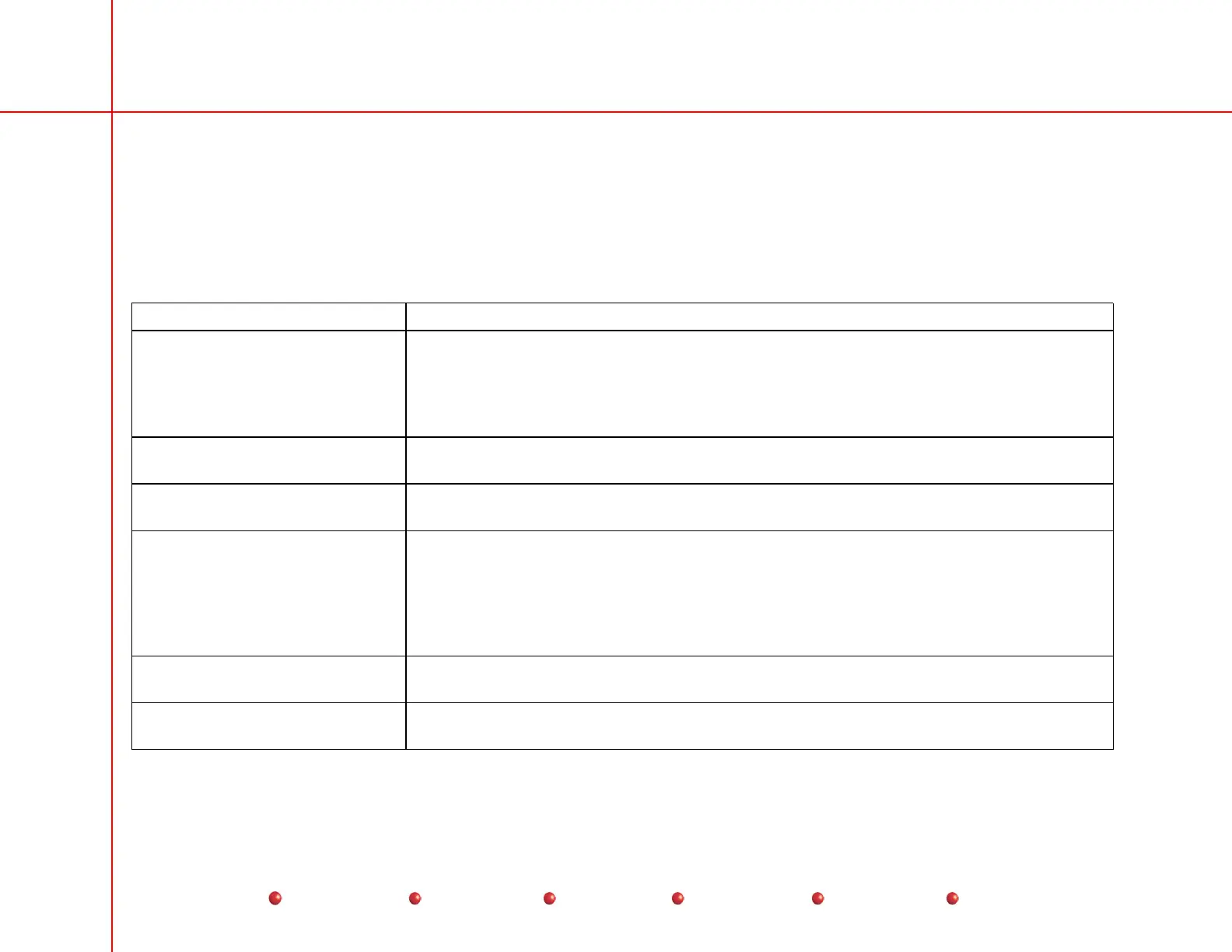
If the C-Arm failed the Boot Test, use the following fault isolation chart:
Problem Probable Cause or Remedy
No click heard when Interconnect
cable is unplugged from C-Arm.
Workstation not plugged into wall receptacle; Receptacle not powered (fuse blown or
circuit breaker tripped); 100-125V Workstation plugged into 200-250V outlet. Check
Workstation power cord is correct voltage type for Workstation power as labeled. Check
no external breakers CB1 through CB4 are tripped (white buttons are not protruding.) See
AC Power Distribution chapter of this manual.
No click heard when Workstation
plugged into AC power
100-125V Workstation plugged into 200-250V outlet; CB1 and/or CB2 tripped; Outlet
power is off or breaker tripped.
Workstation beeps, does not
boot, when switched on.
Isolation Transformer strapped incorrectly for applied AC voltage. Refer to
AC Power
Distribution chapter of this manual.
Workstation totally inoperative. Check Workstation power and interconnect cables.
100-125V Workstation plugged into 200-250V outlet; CB1 and/or CB2 tripped; Outlet
power is off or breaker tripped.
Isolation Transformer strapped incorrectly for applied AC voltage.
Refer to the AC Power Distribution chapter of this manual.
No click heard when Interconnect
cable plugged into C-Arm.
Interconnect cable problem. Refer to
AC Power Distribution.
.
Battery Charger light did not turn
on.
Interconnect cable problem; Connector loose. Refer to AC Power Distribution chapter of
this manual
19
Service
Periodic Maintenance
Contents
Schematics
Illustrated Parts
Installation


 To Next Page
 Loading...



