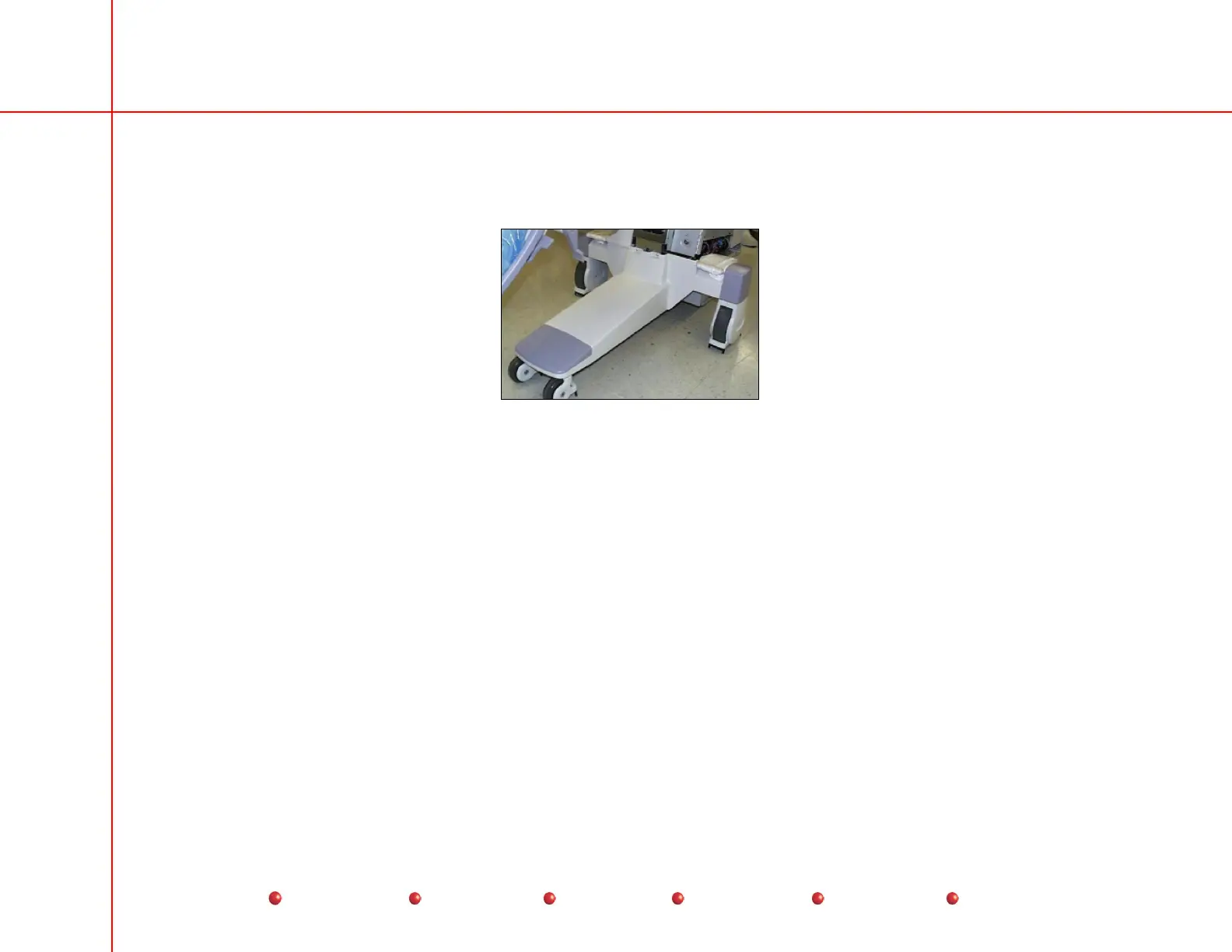
Replacement
2. Remove front cover, right side cover, rear cover, and left side cover as described in previous screens.
3. Remove and retain eight screws that secure front leg cover to generator.
4. Lift front leg cover away from generator.
Front Leg Cover Details
X-ray Tube Connector Cover
The X-ray tube connector cover protects the high voltage, stator, temperature sensor and thermal cutout cables, and other
terminals on the X-ray tube. You must remove this cover before replacing the X-ray tube or removing the Collimator cover.
Follow these steps:
1. Disconnect Workstation’s AC power plug from AC outlet.
2. Remove and retain two hole plugs that conceal X-ray tube connector cover’s mounting screws.
3. Remove and retain torx mounting screws that secure X-ray tube connnector cover to X-ray tube.
4. Carefully slide X-ray tube connector cover back over high voltage cables far enough to give you access to X-ray tube
connectors and Collimator cover mounting screws.
12
Service
Periodic Maintenance
Contents
Schematics
Illustrated Parts
Installation



 To Next Page